

PLEASE WAIT WHILE IT LOADS
Live Prototype
DISCOVERY
Who are our users?

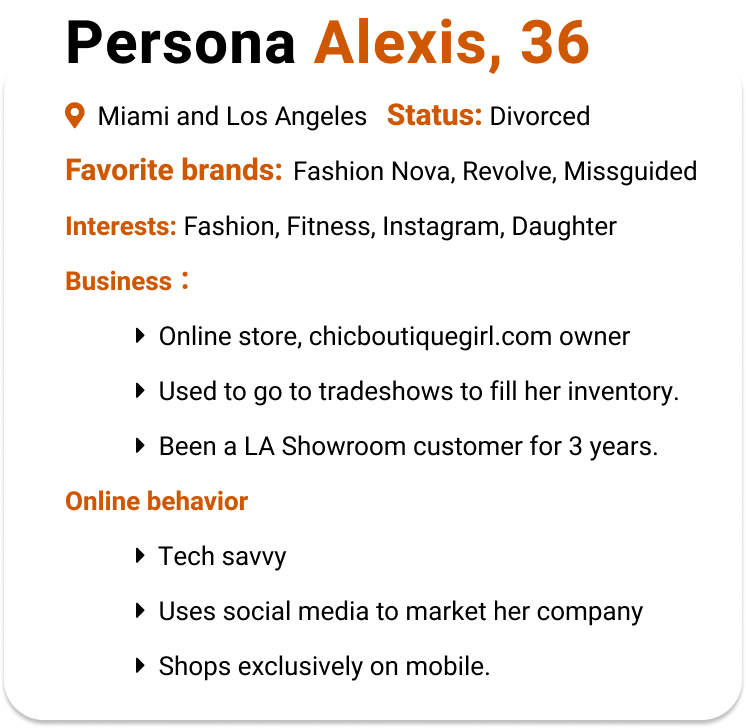
Based on Aug 2020-Aug 2021
Total Number of Users: 2,269,335
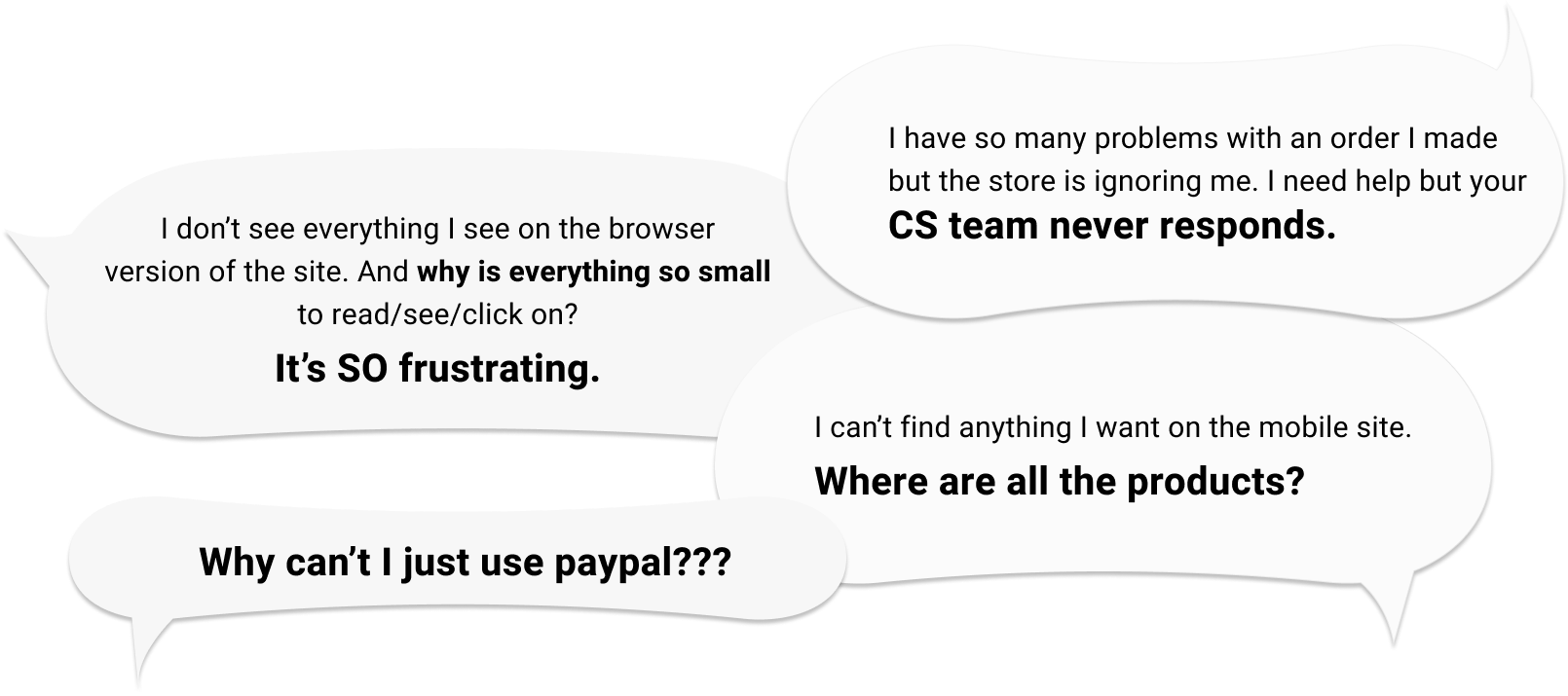
User Frustrations
Design Principles
What do I want to accomplish?
Connected Experience
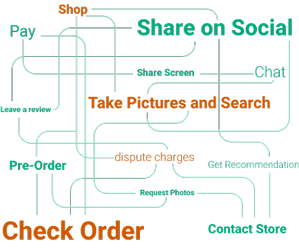
Ensure that all, if not then most required contents and functions are visible or within one-click reach.
Design
Transparency
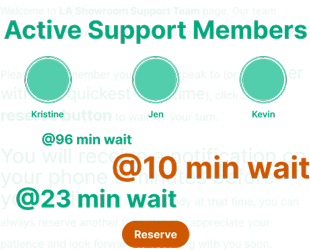
Transparency builds trust. Clarify visually whenever possible to avoid ambiguity and confustion.
Control
Personalize
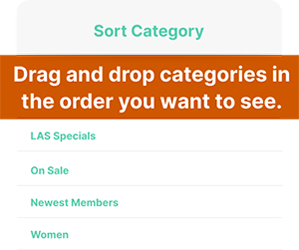
Empower the user by letting them control what they want to see and use first. Put them in control.
Exploration
User Journey
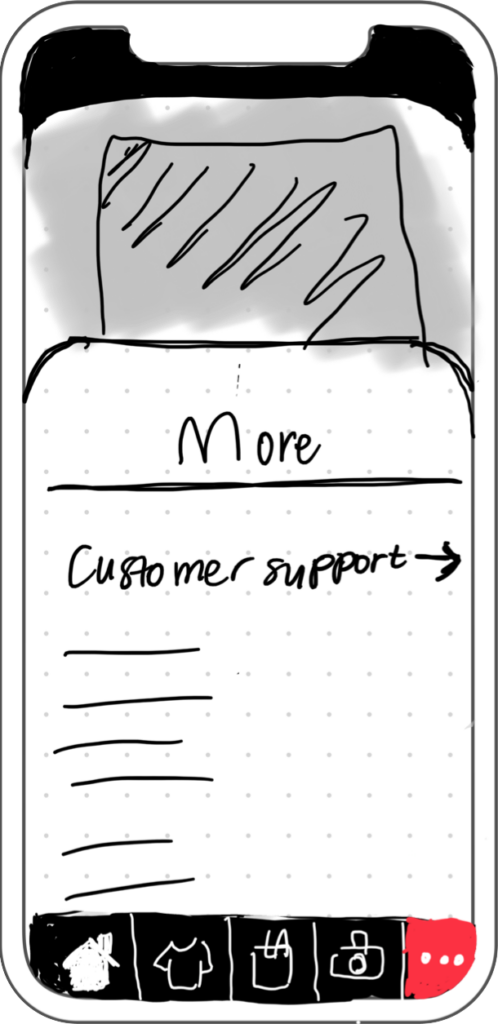
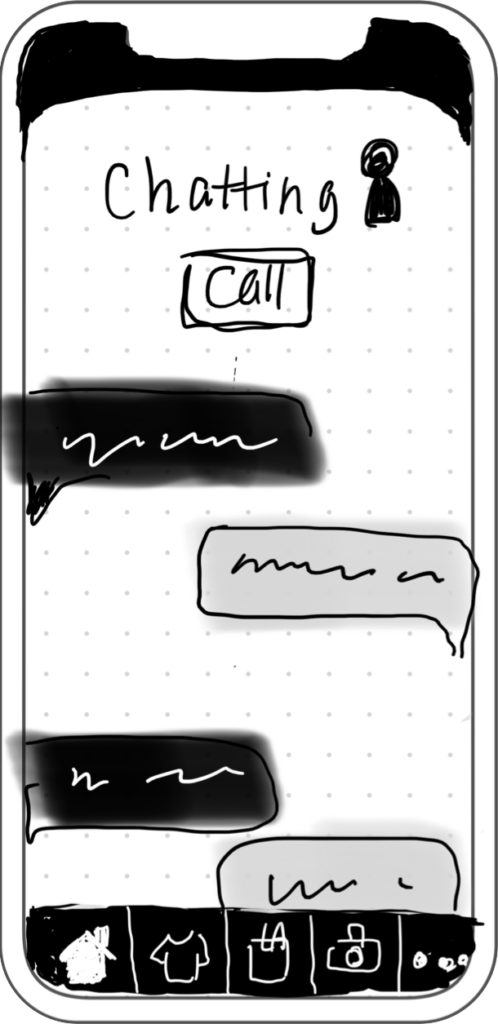
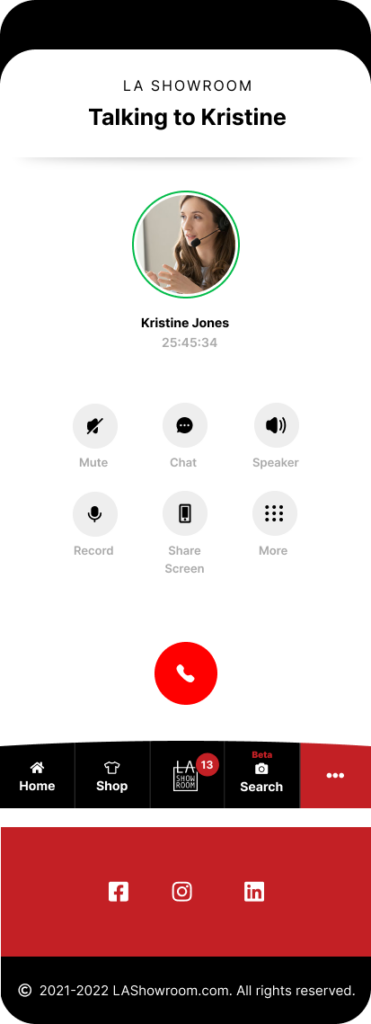
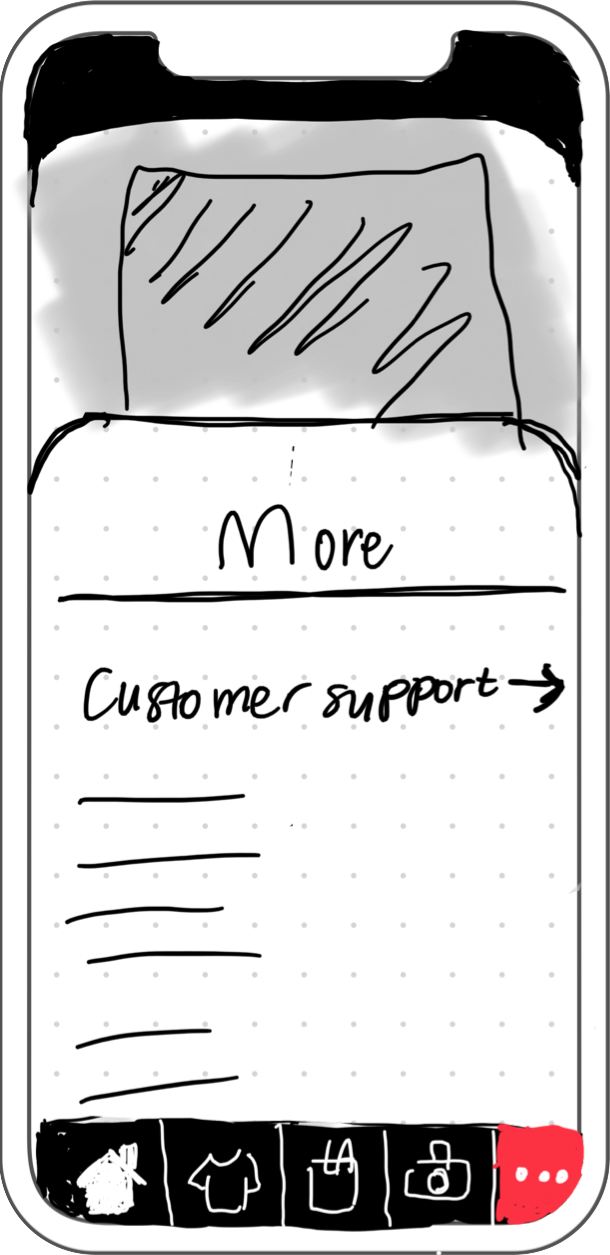
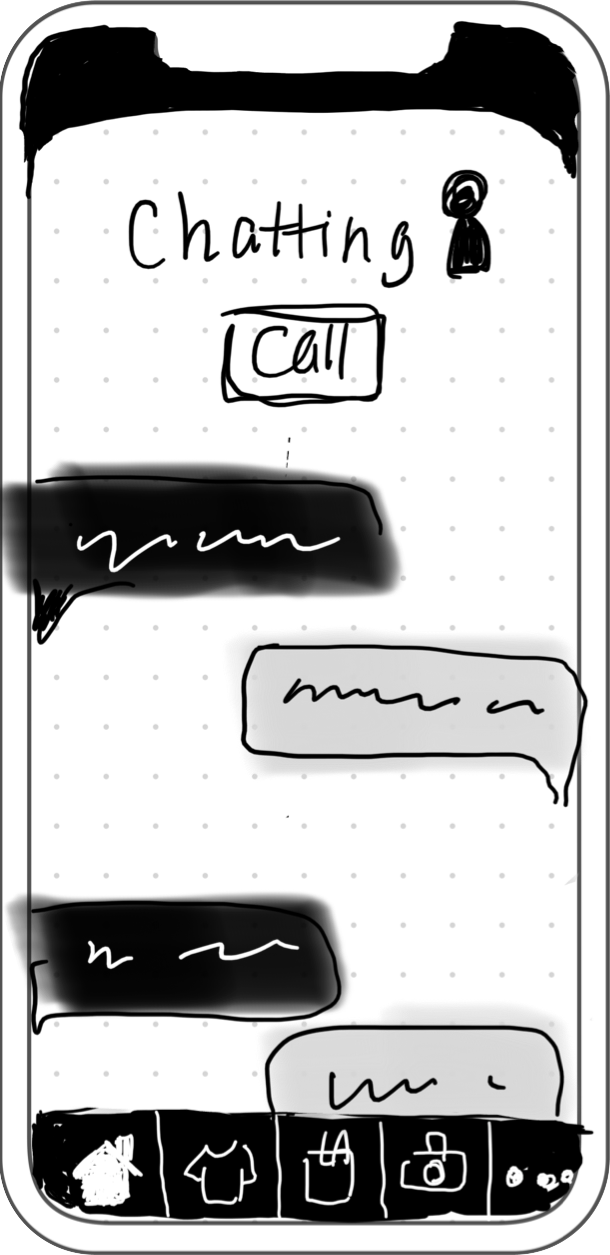
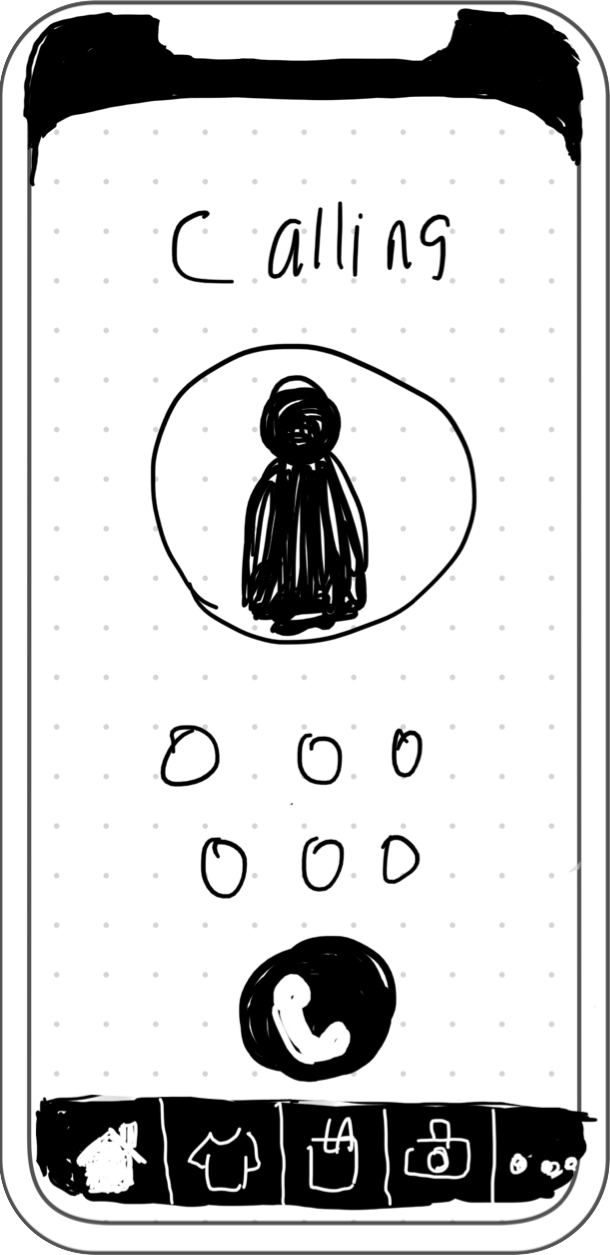
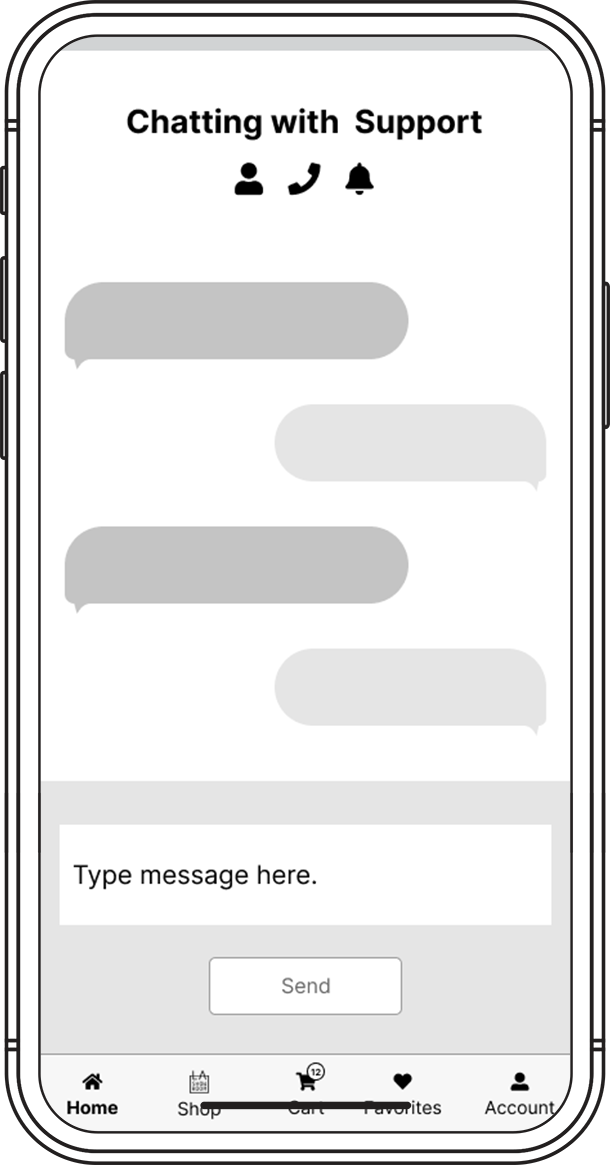
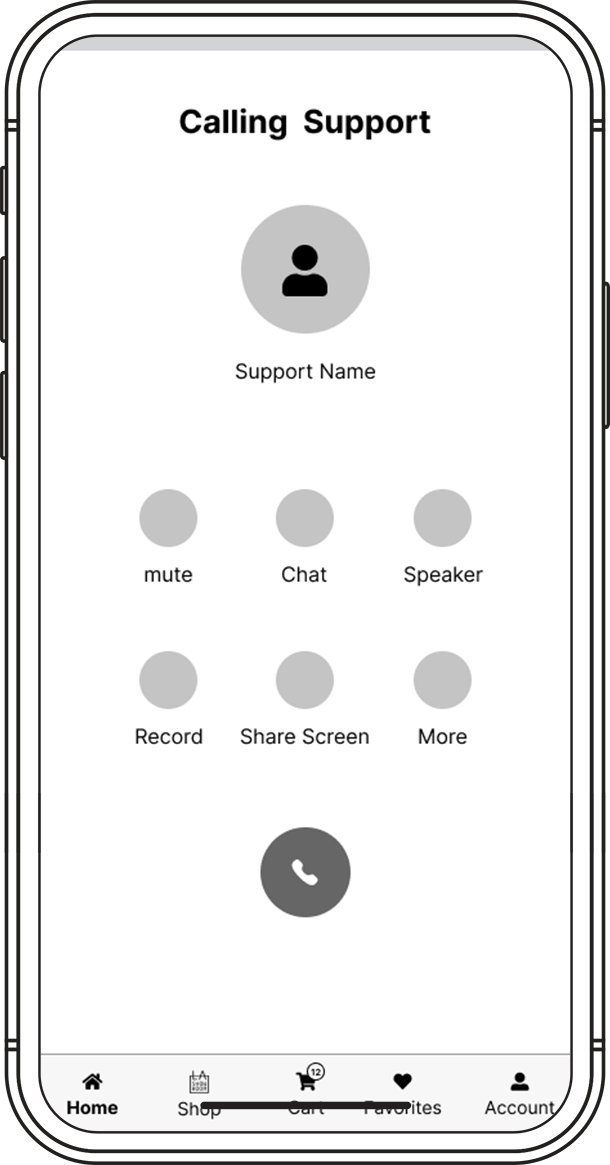
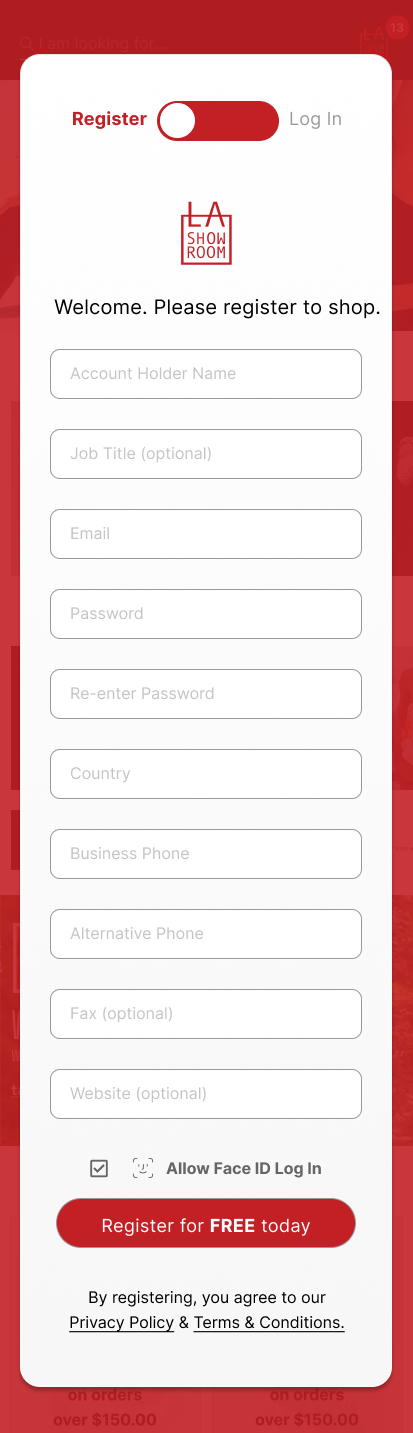
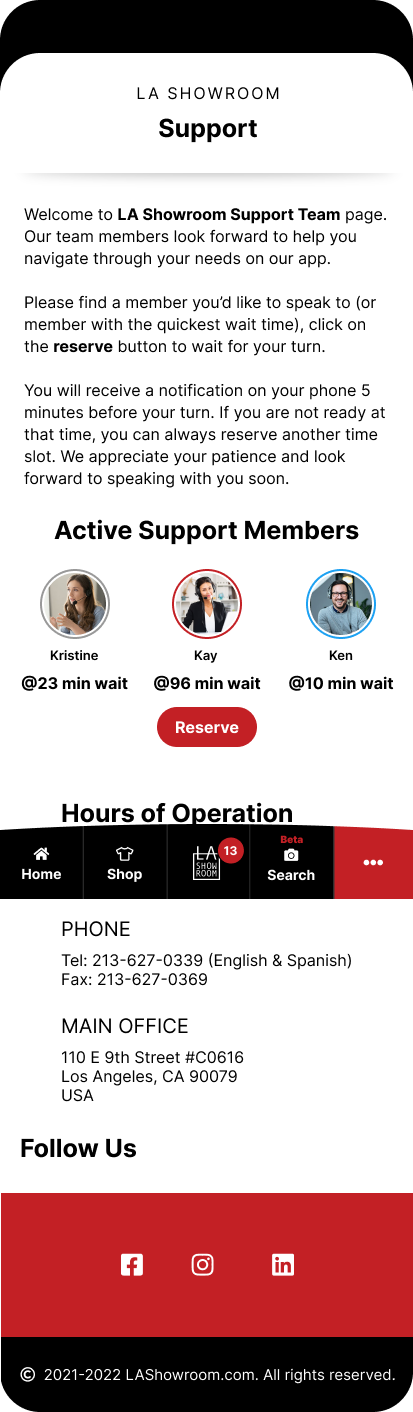
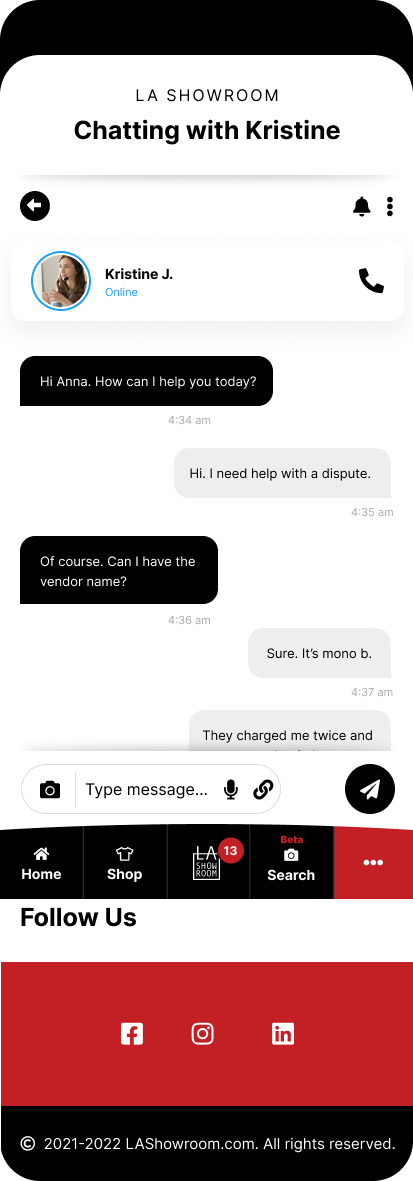
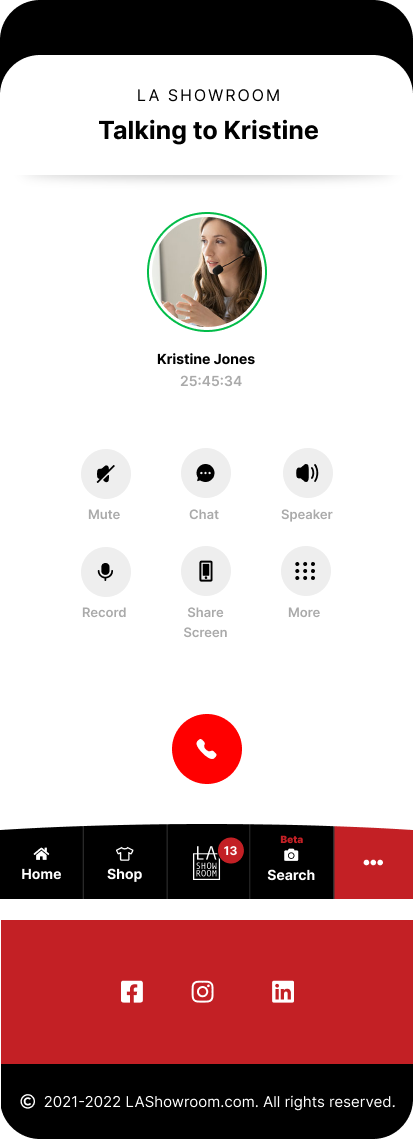
LA Showroom buyer’s frustrations began with some of the oldest and most fundamental services we provide to our customers. We had to first evaluate, clean and reinvent how we catered to our online users – i.e. adding a Customer Support team dedicated to chatting services. Once that was established, we wanted our users to experience these changes within close range – take away frustration/anxiety of nested contents and bring usability to the surface. Our key strategy was to encourage our buyers to easily reach out to us and we would walk them through their transaction process.
Exploration
Userflow
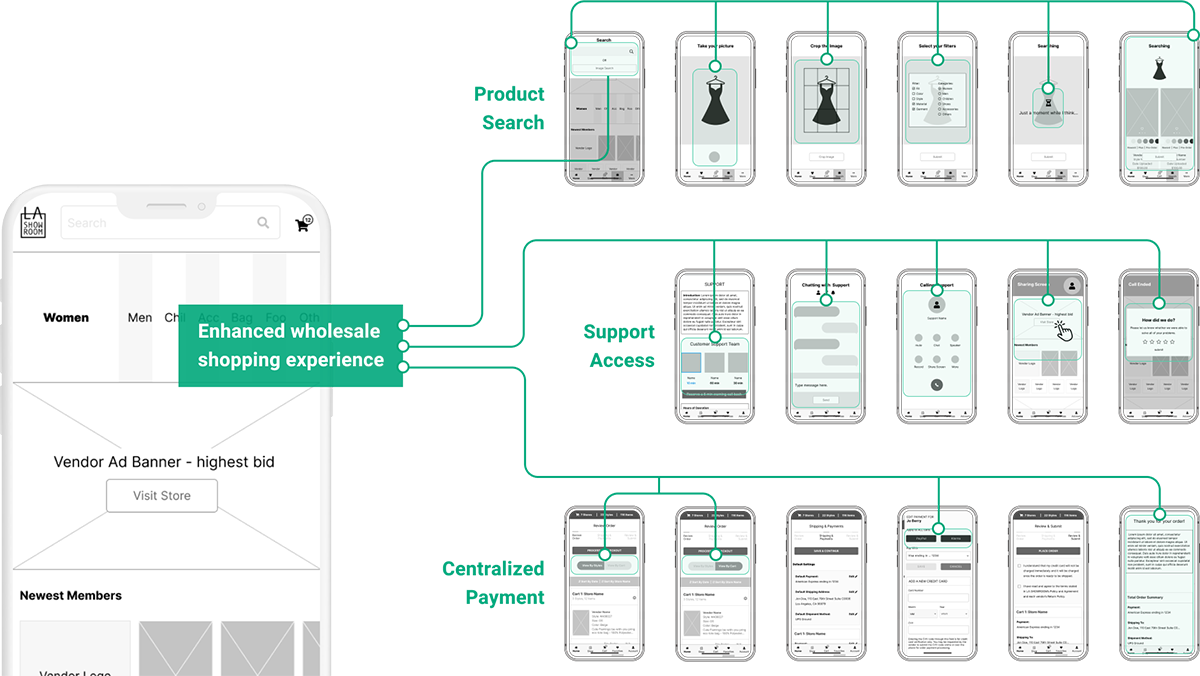
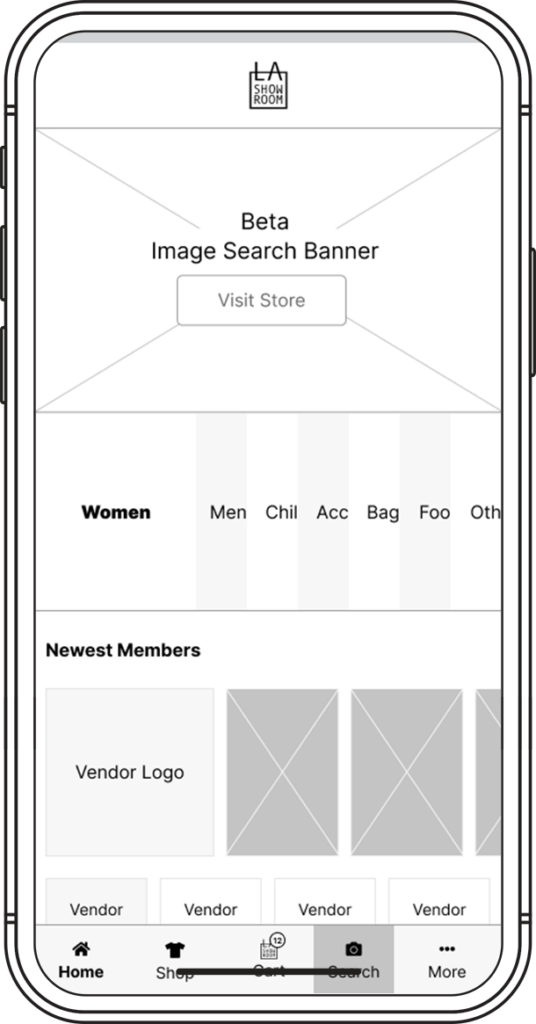
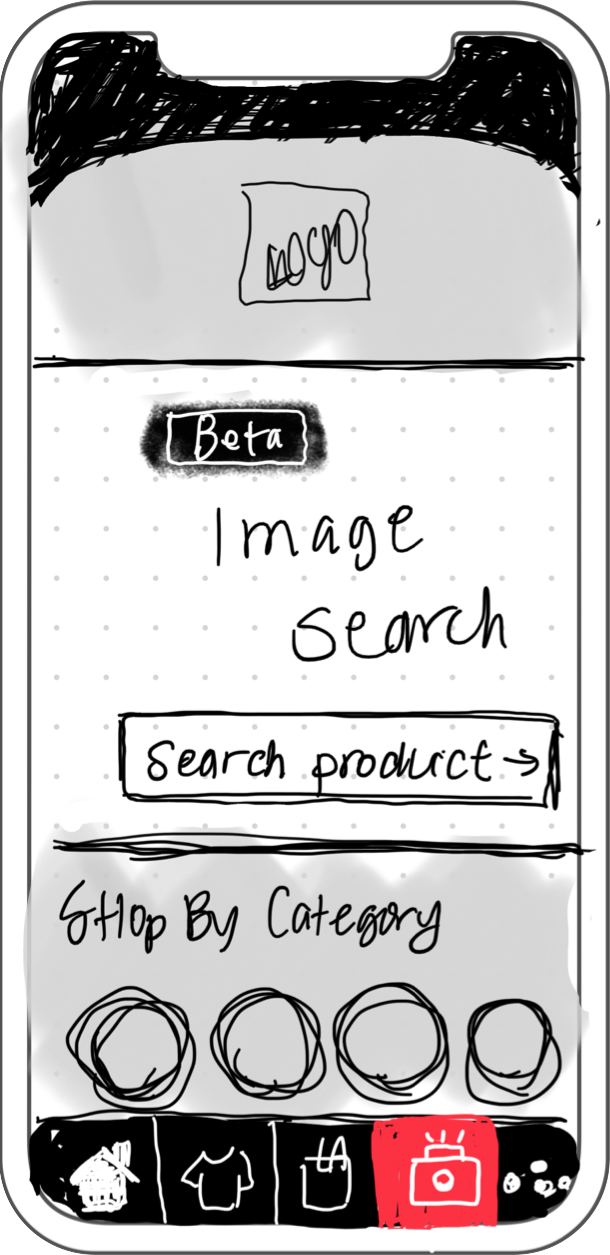
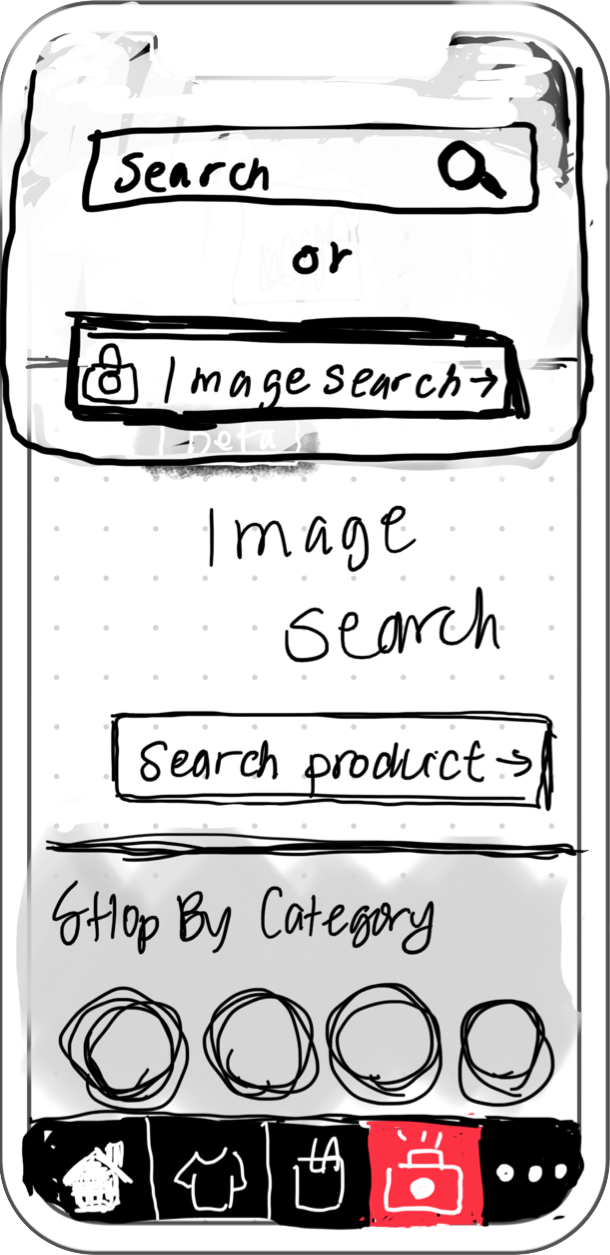
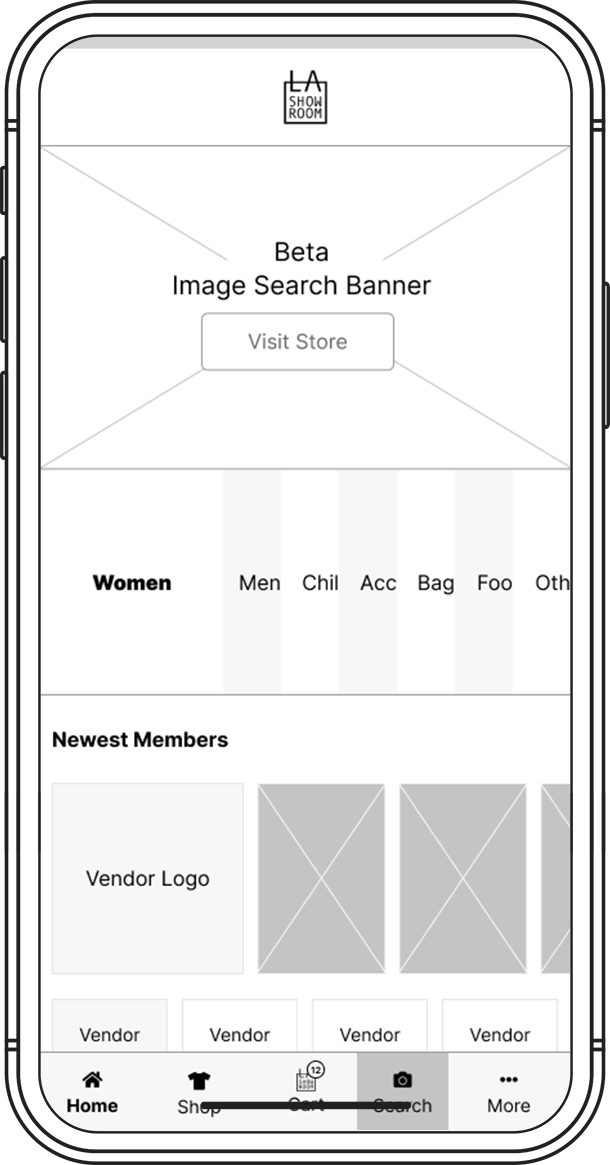
Search
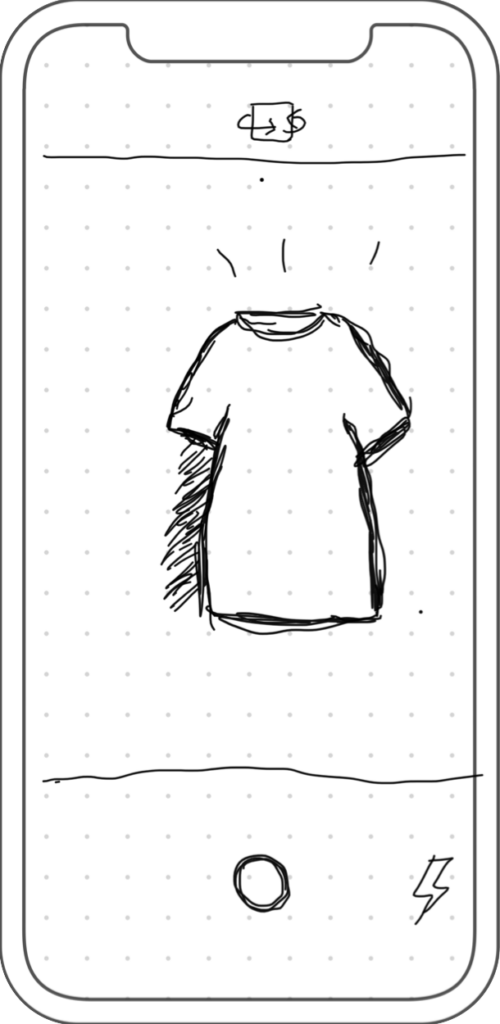
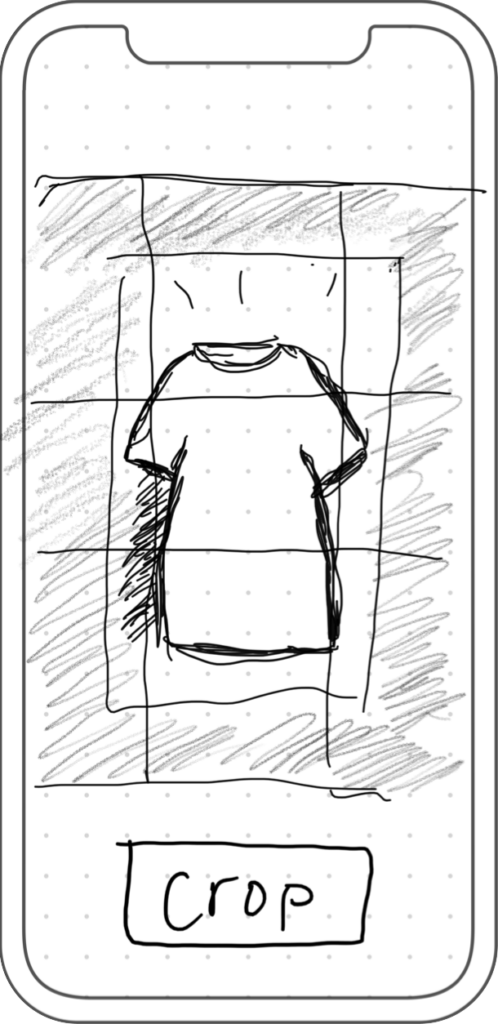
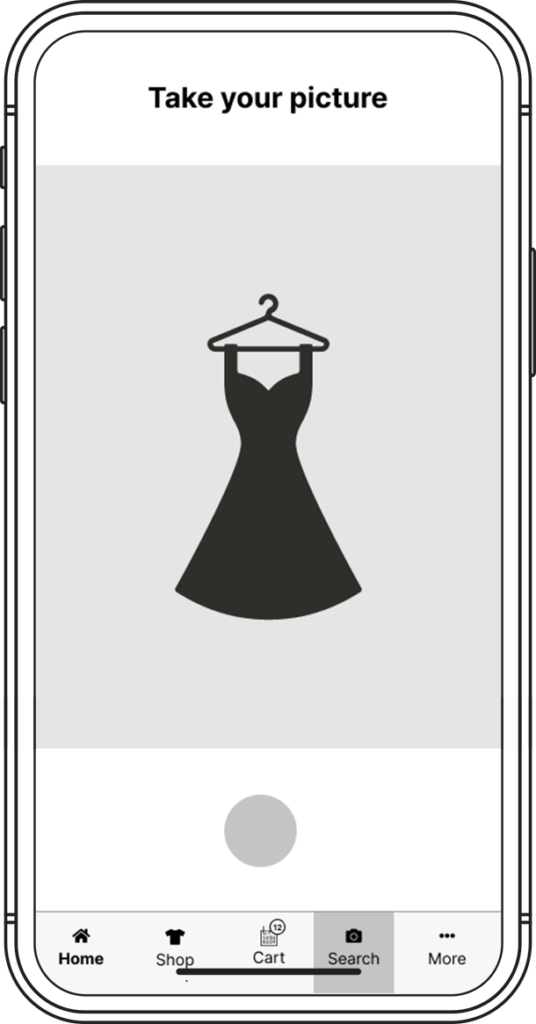
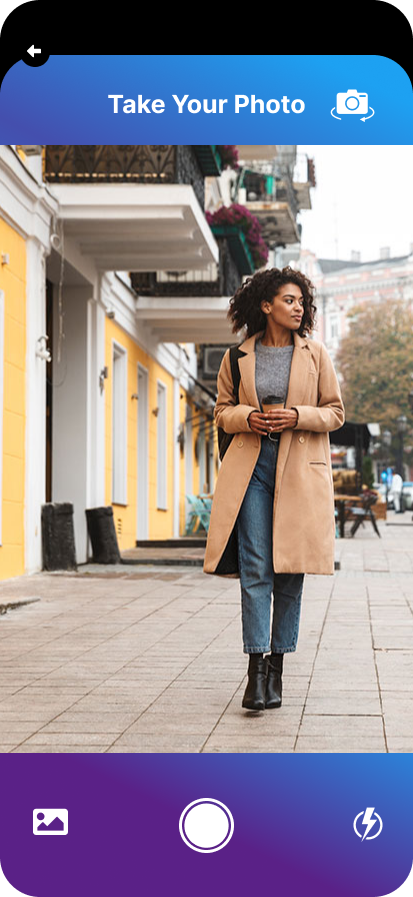
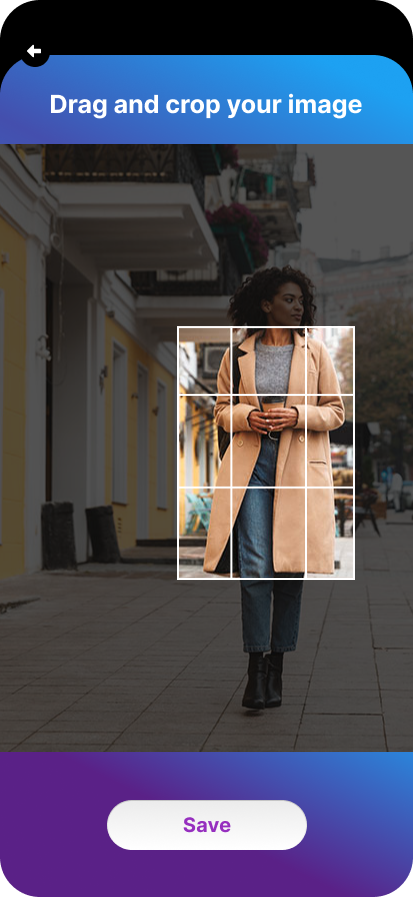
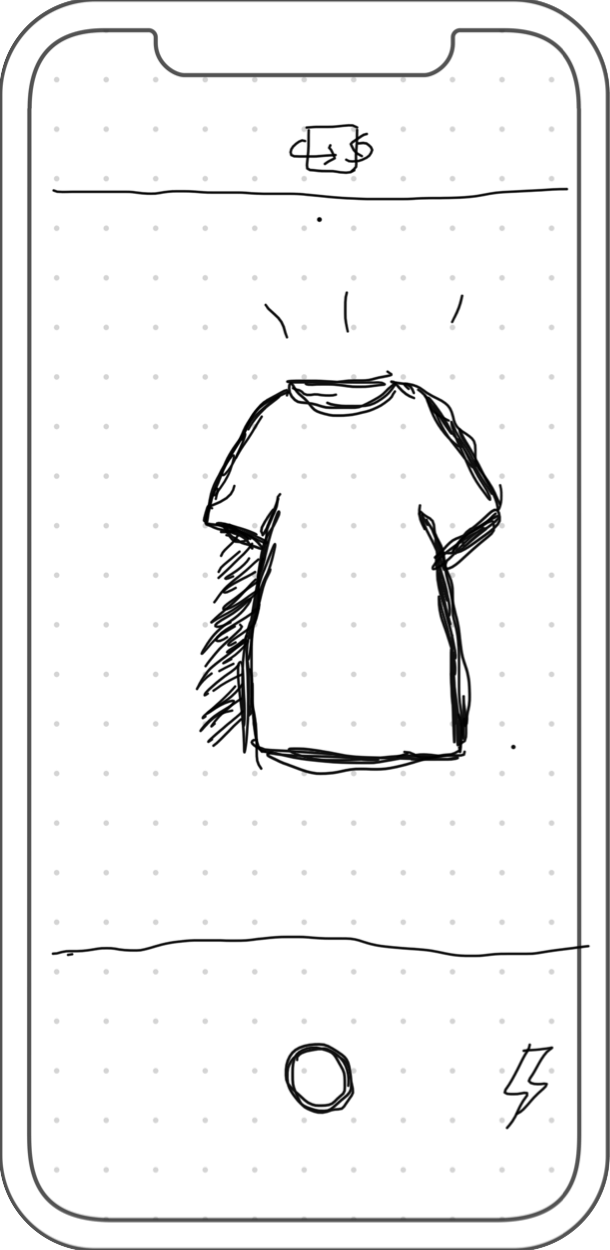
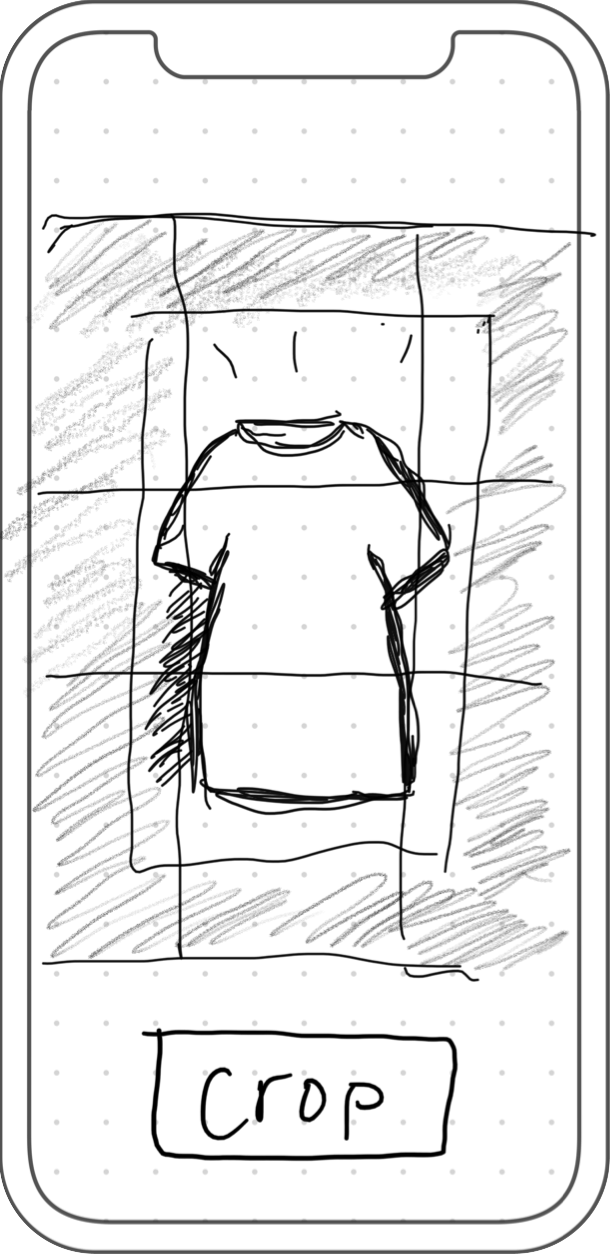
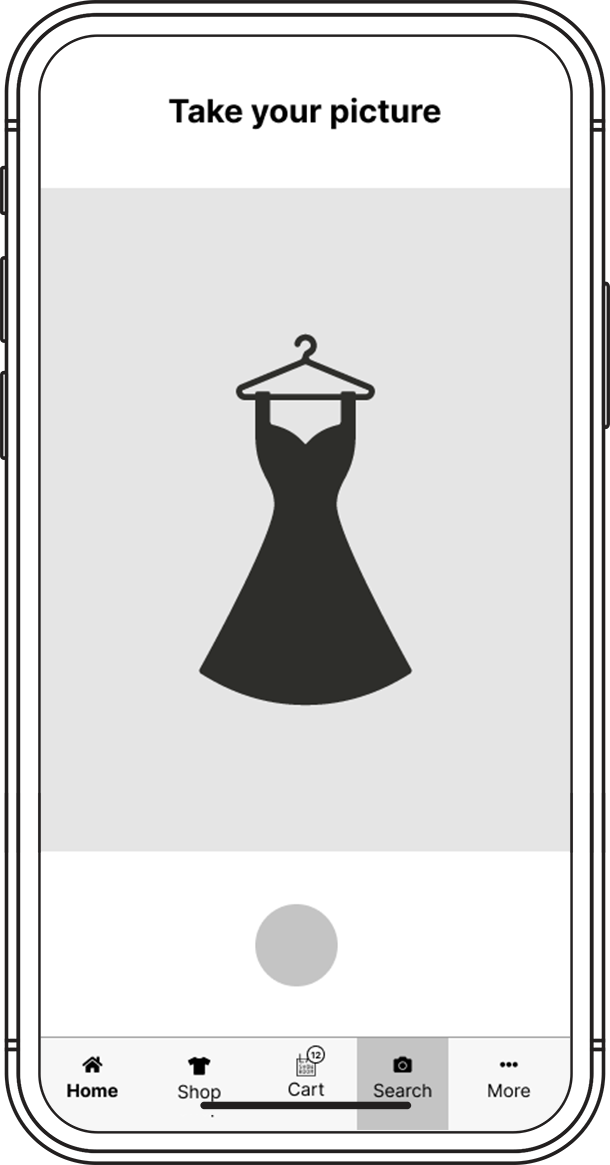
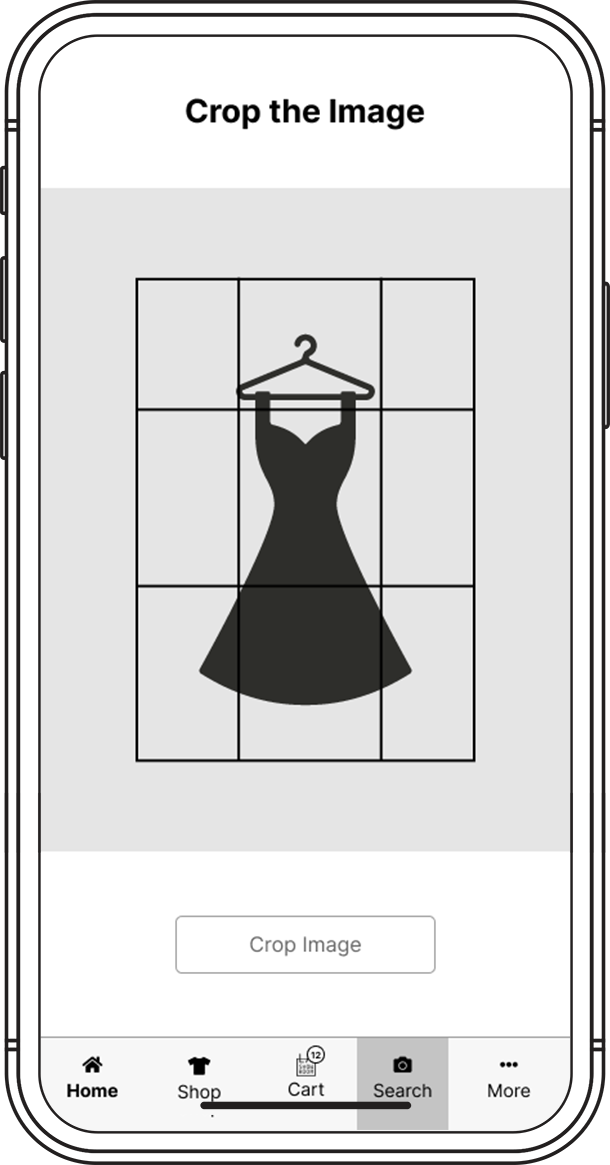
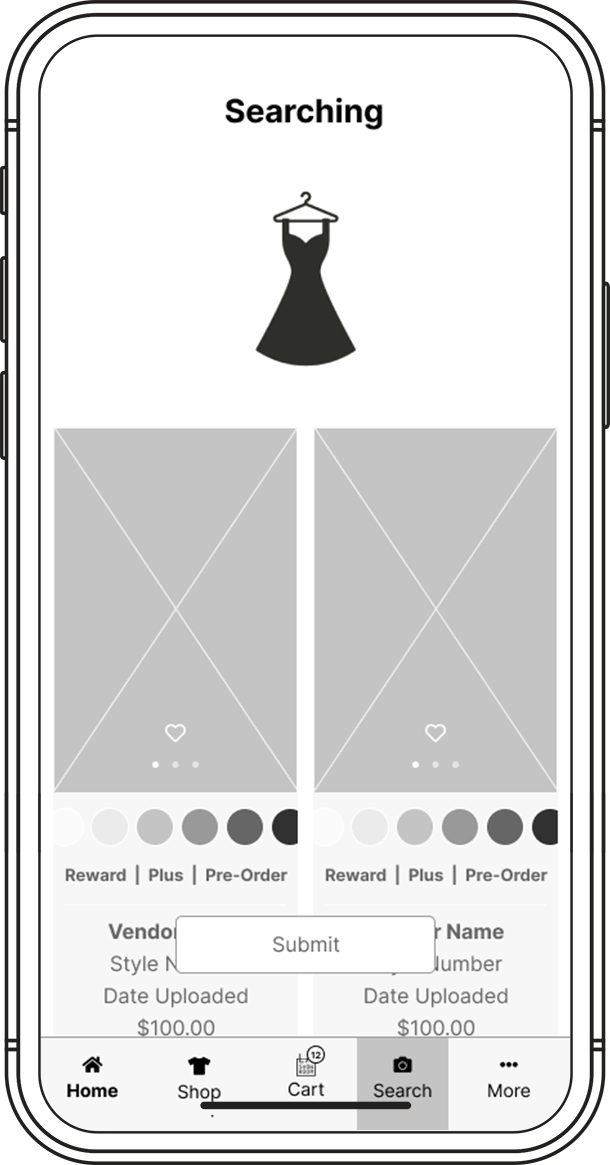
Take Photos, Zoom and Crop
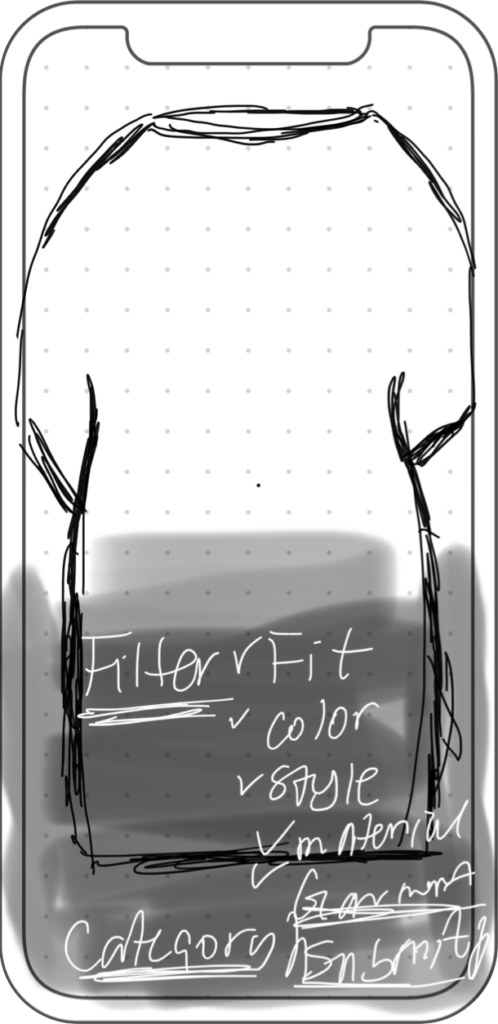
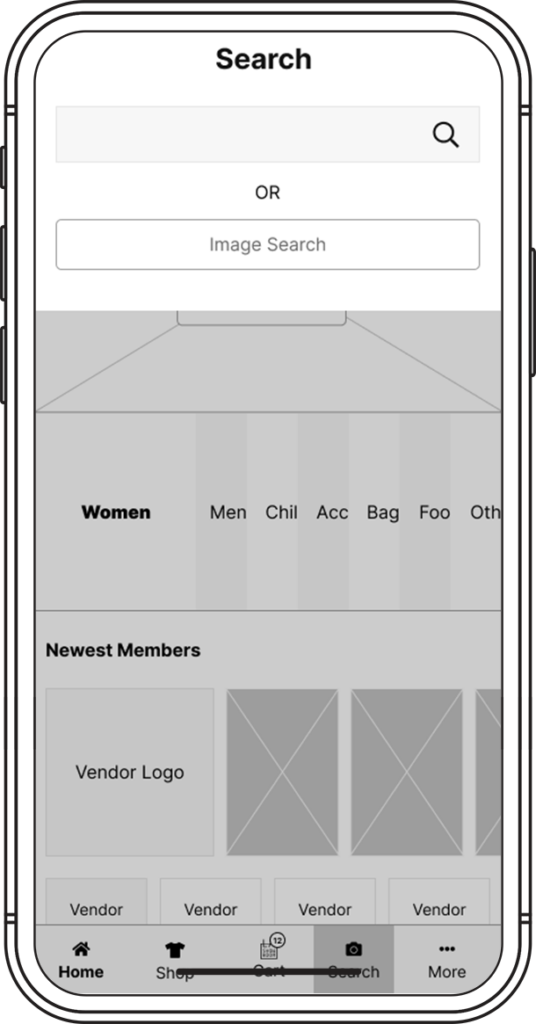
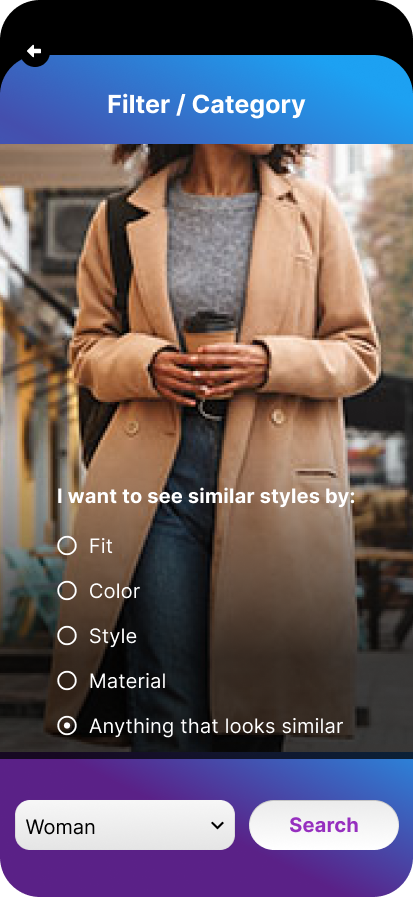
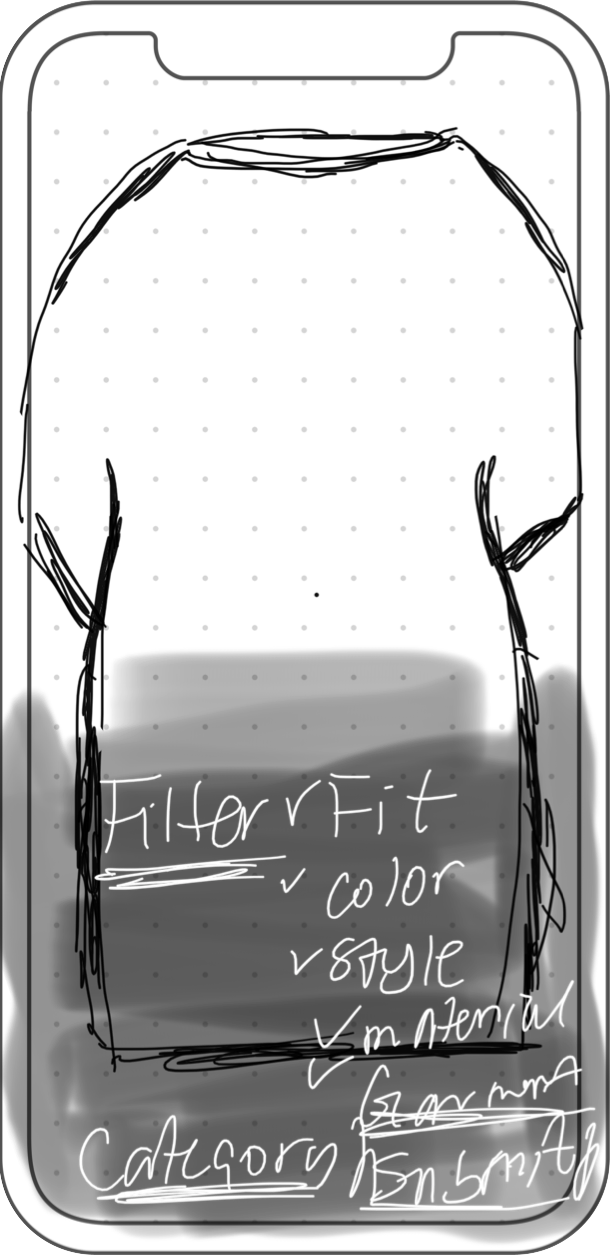
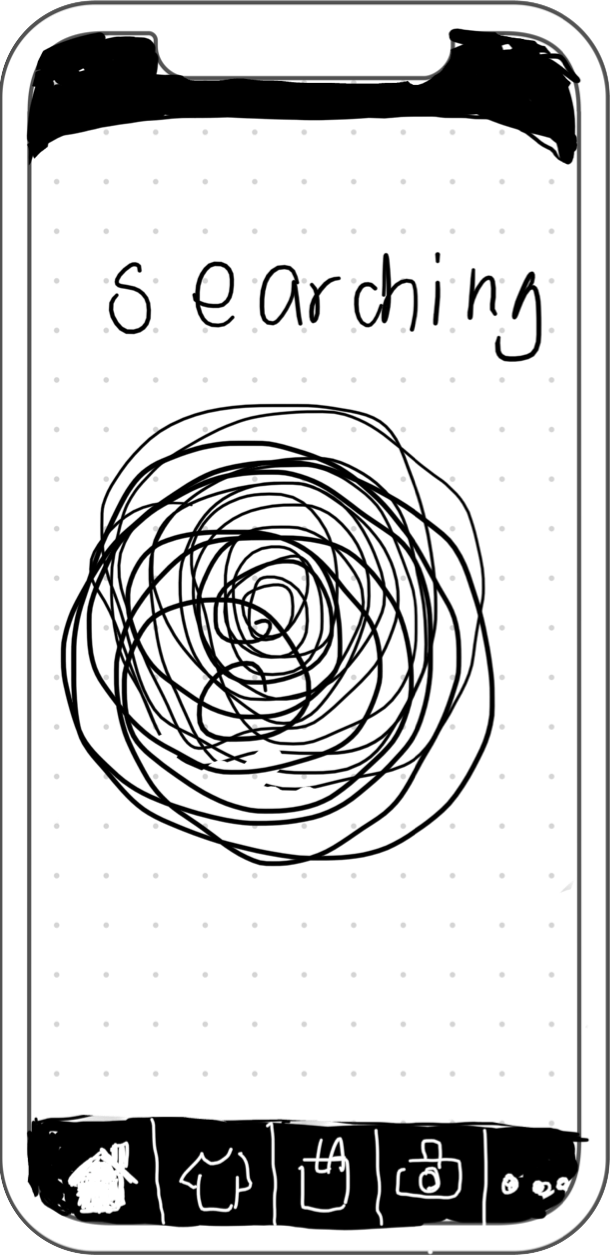
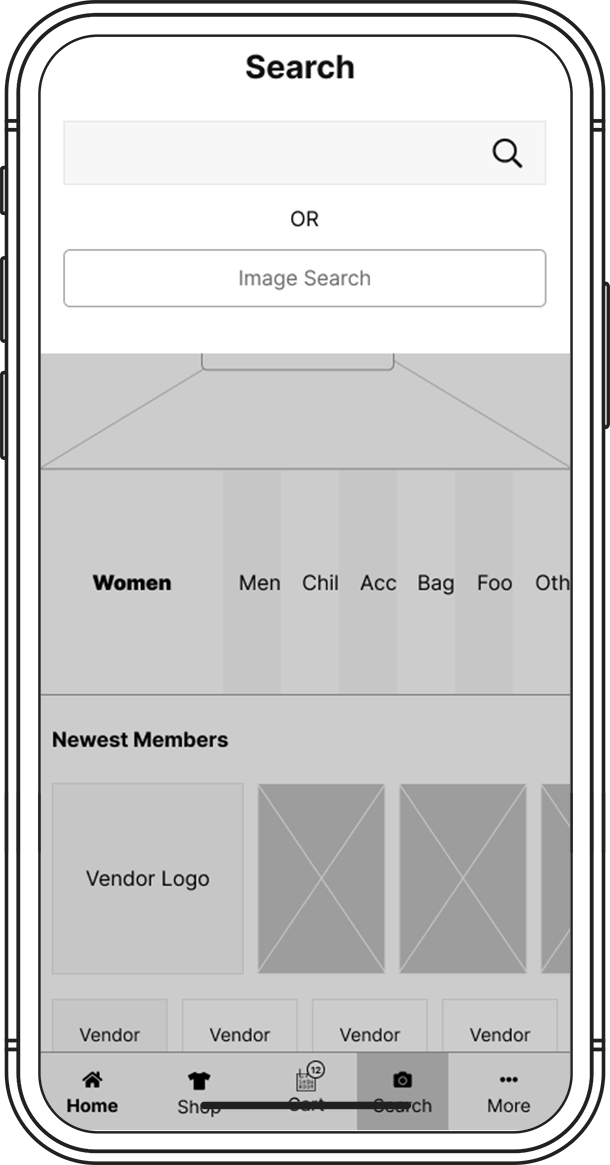
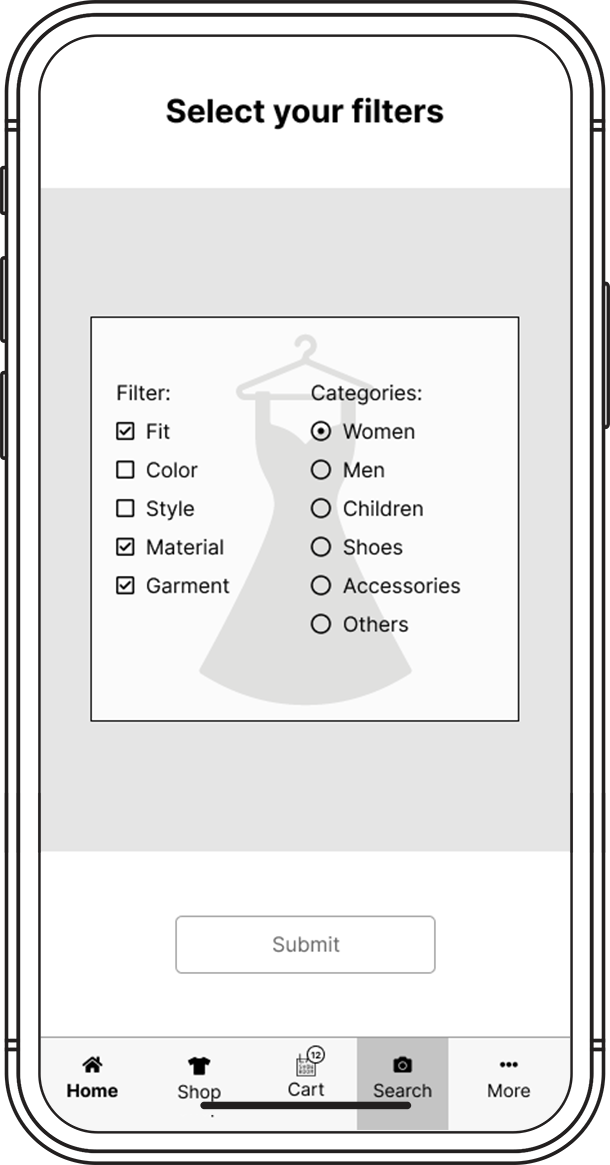
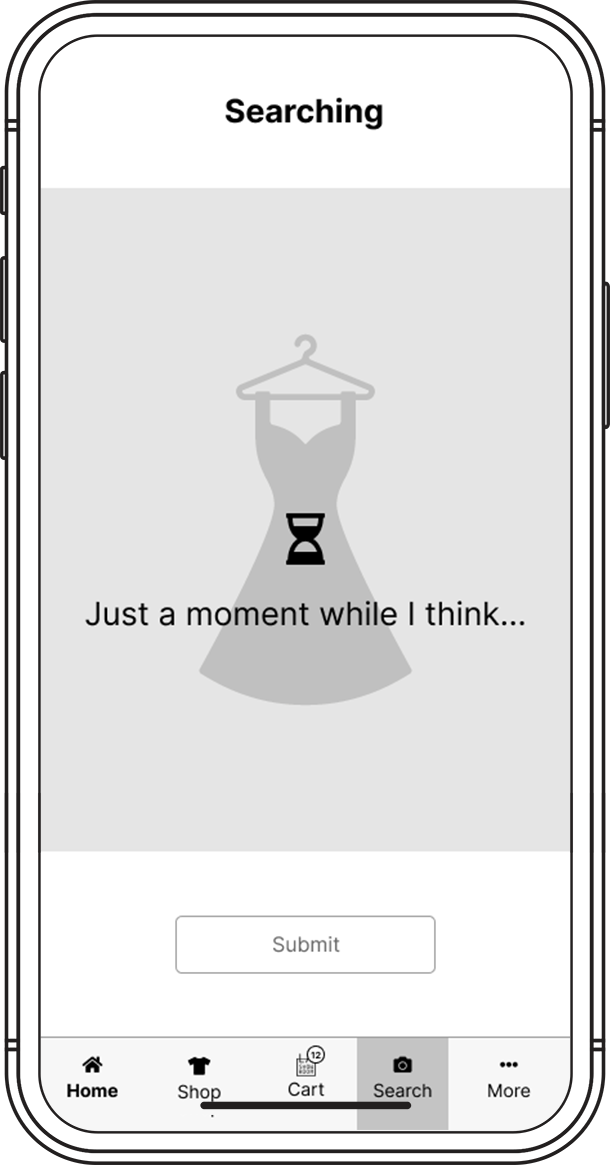
Filter and Search
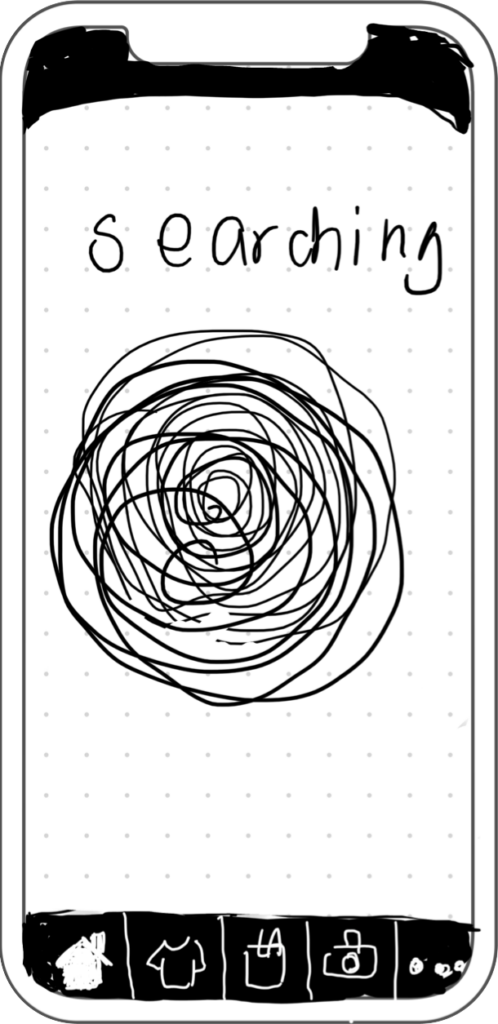
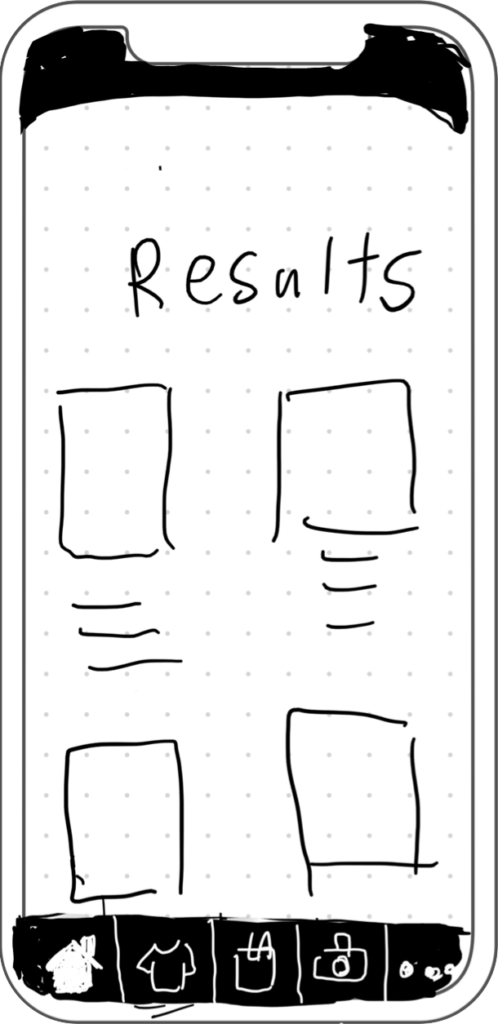
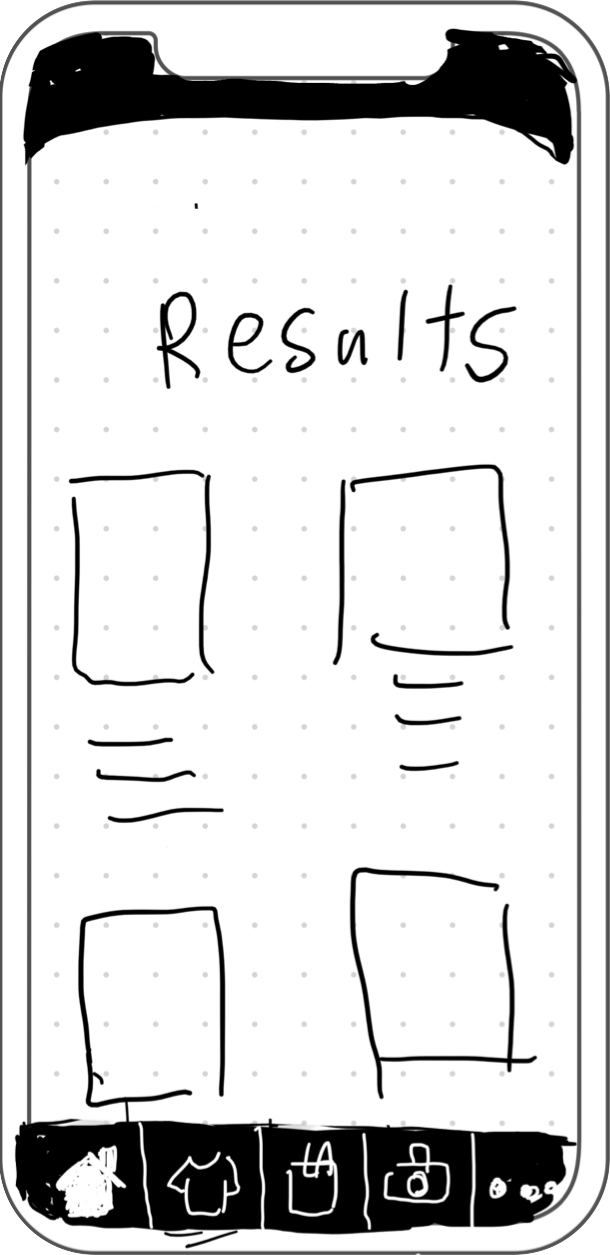
Search and Shop from Results
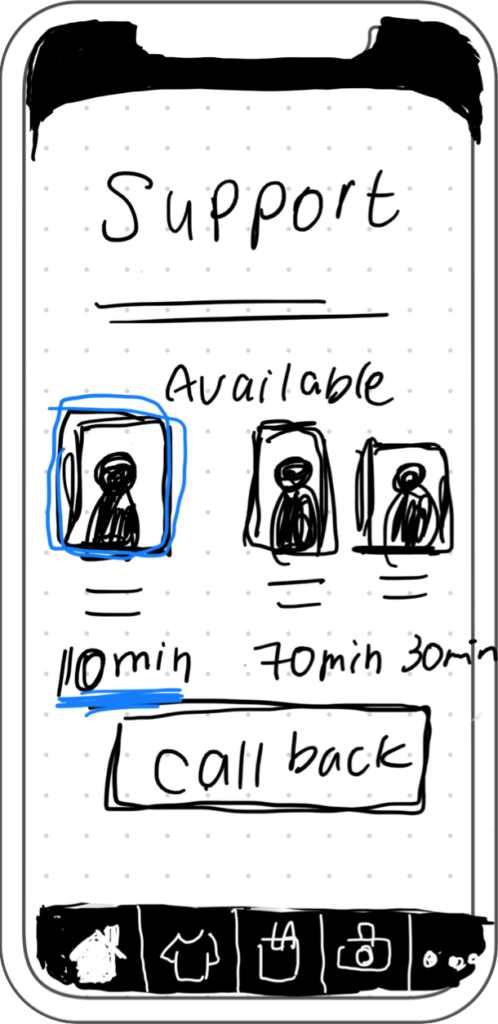
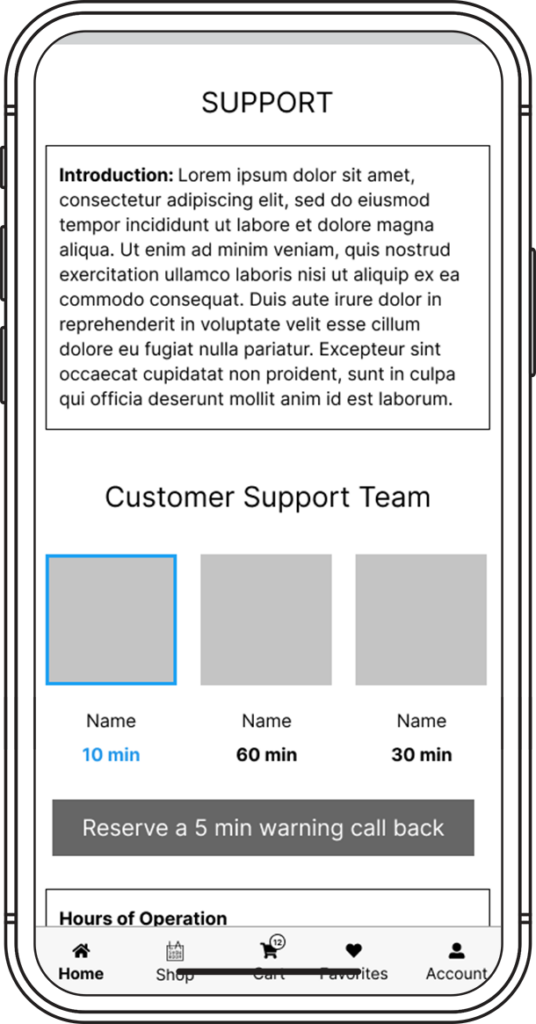
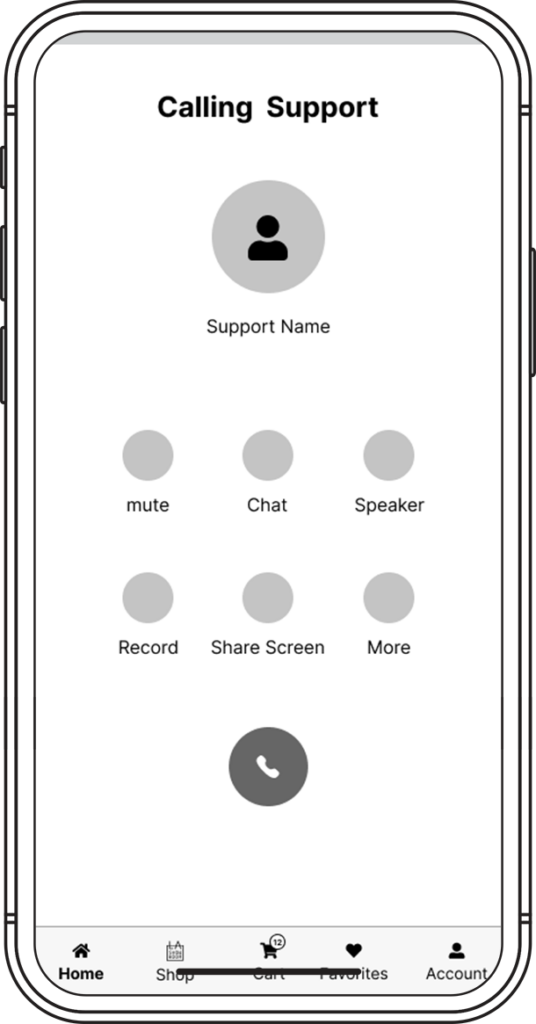
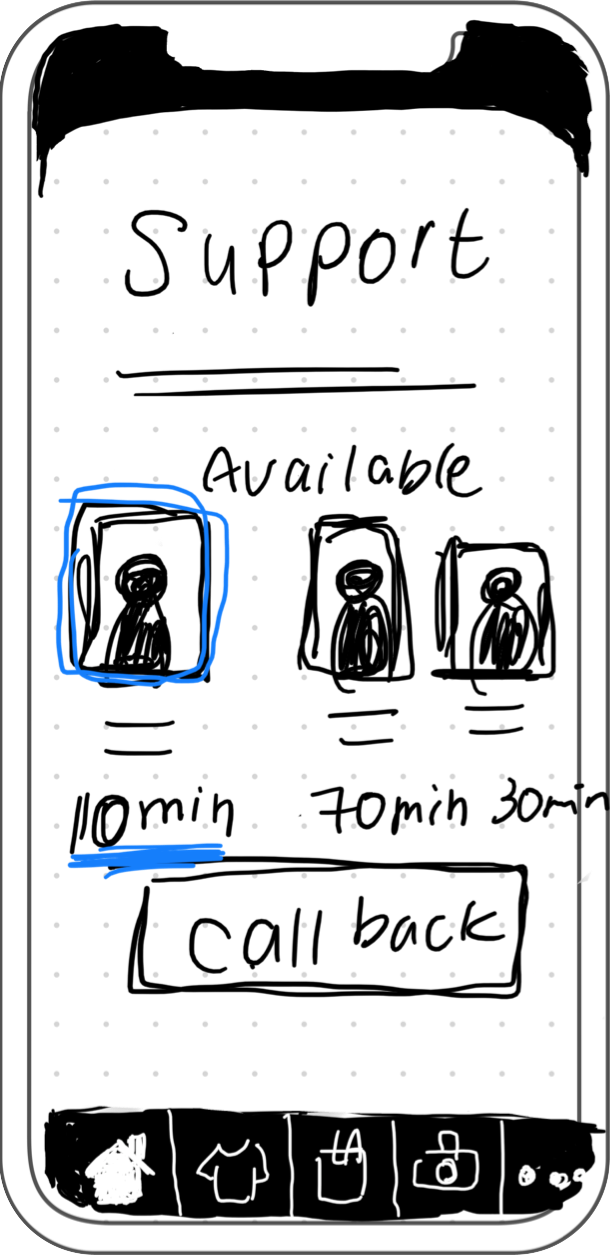
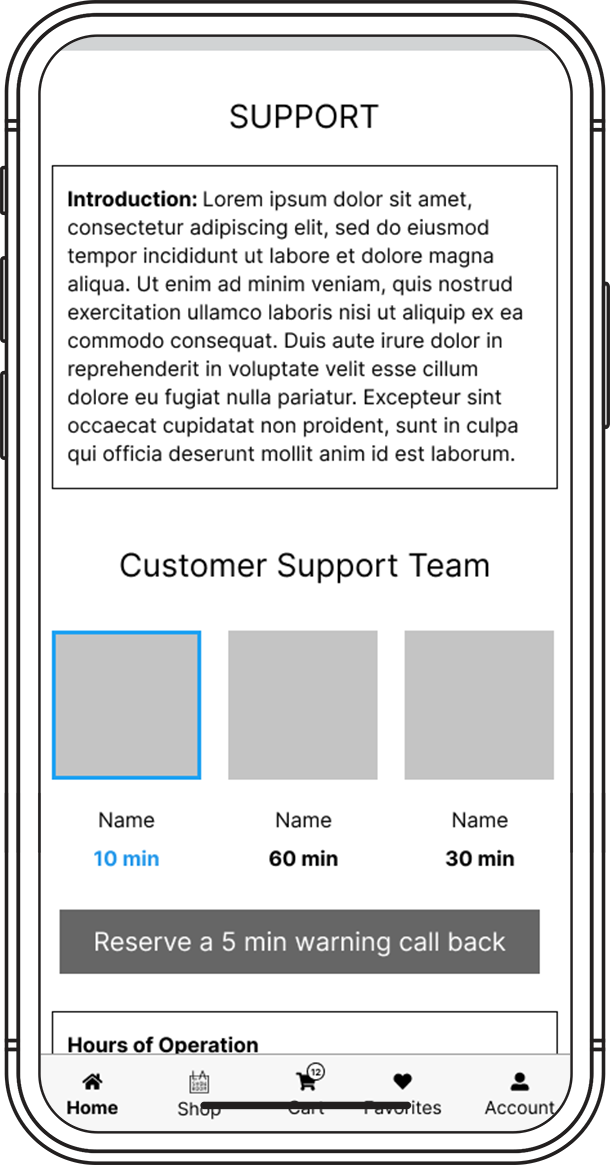
Available CS Members
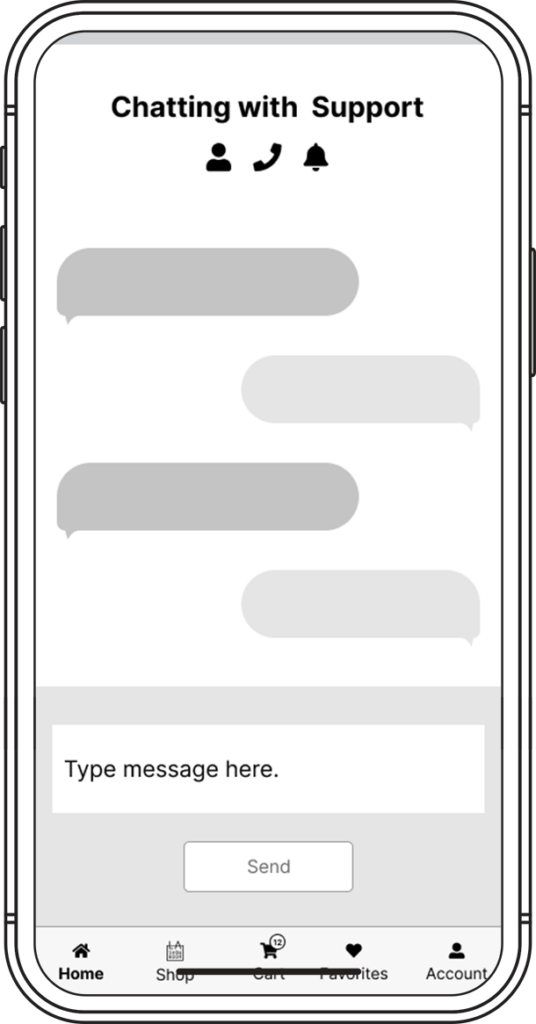
Chat
Call
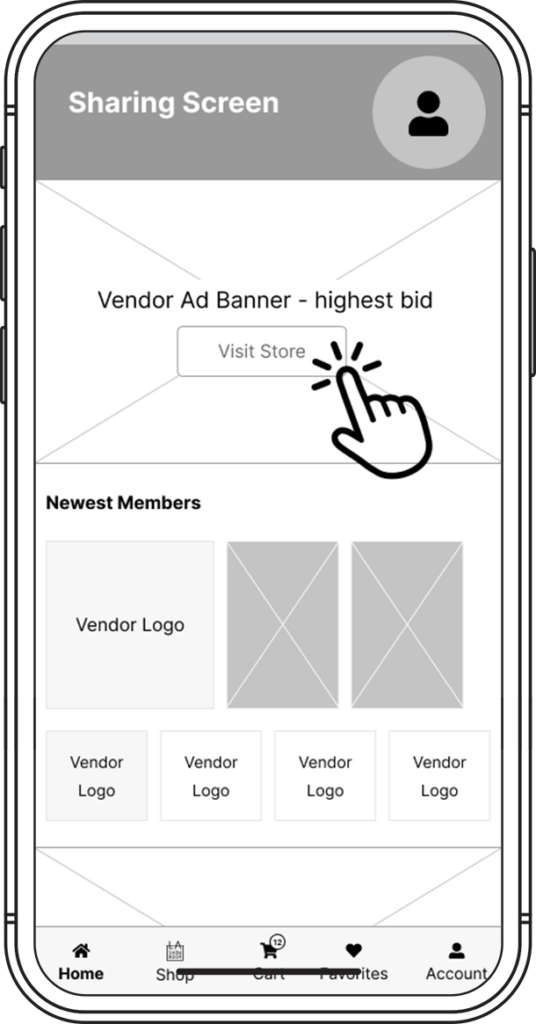
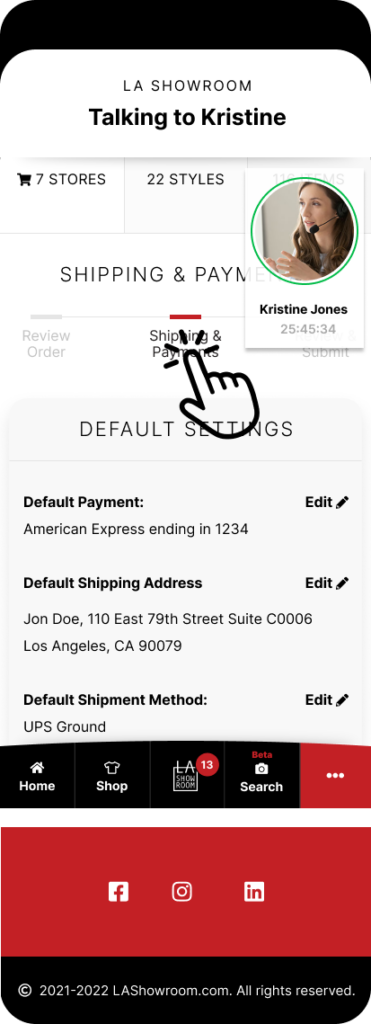
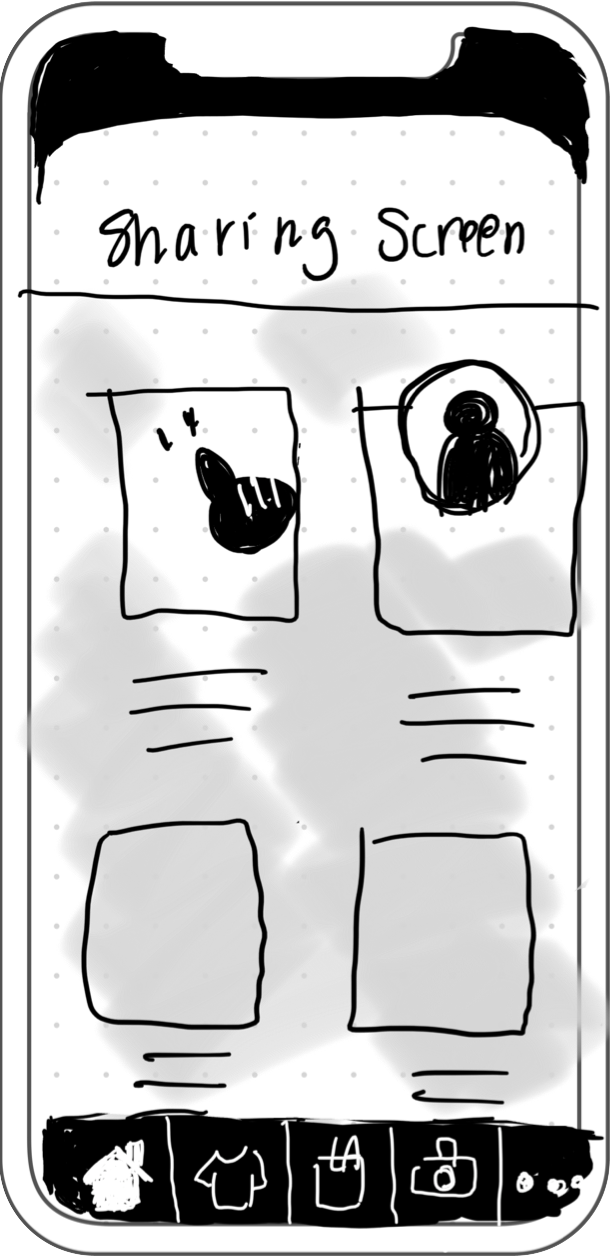
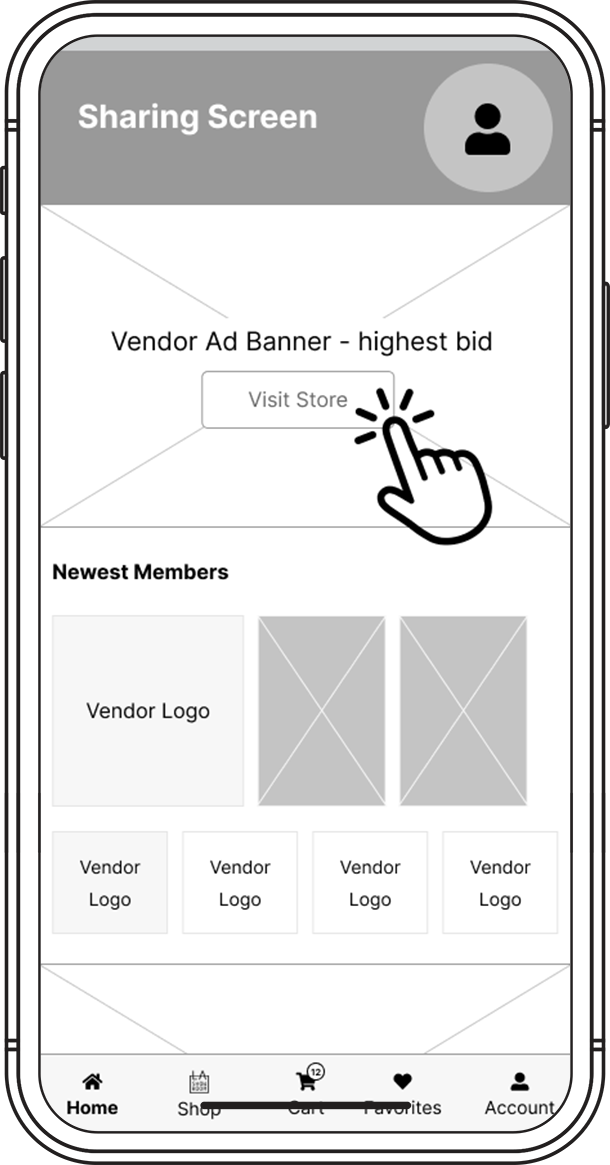
Share Screen
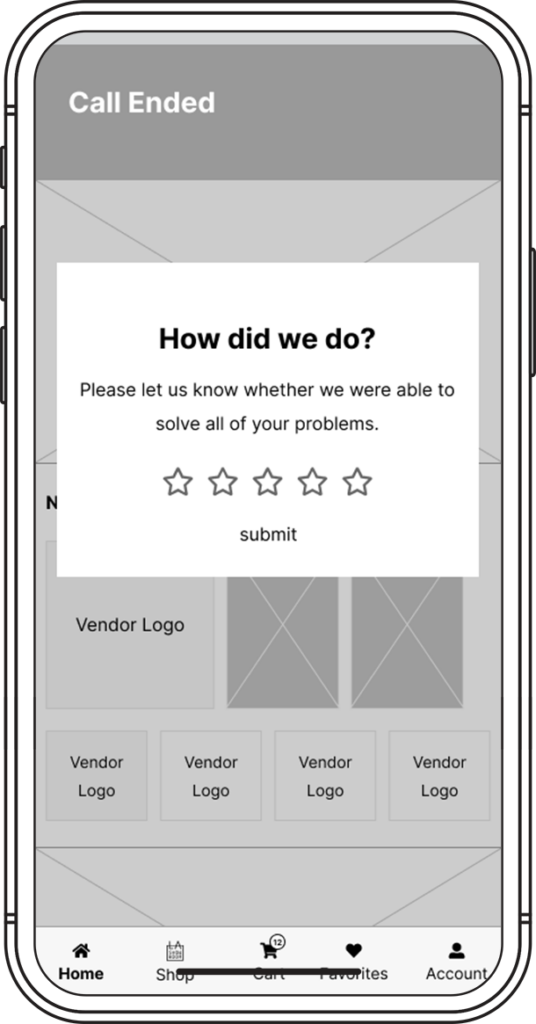
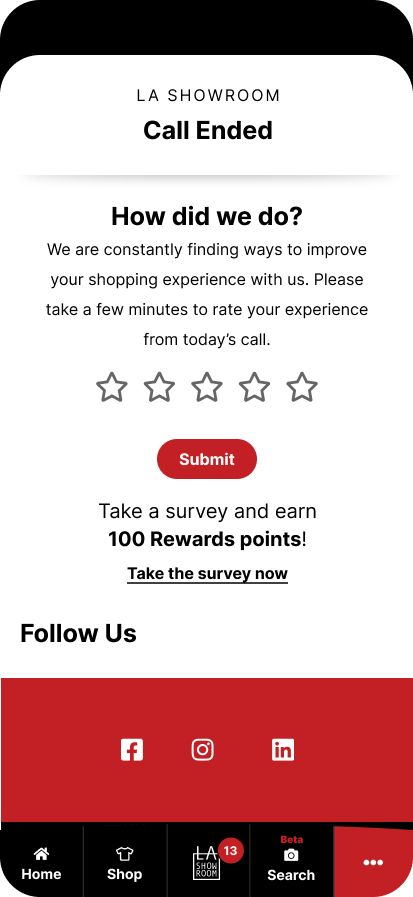
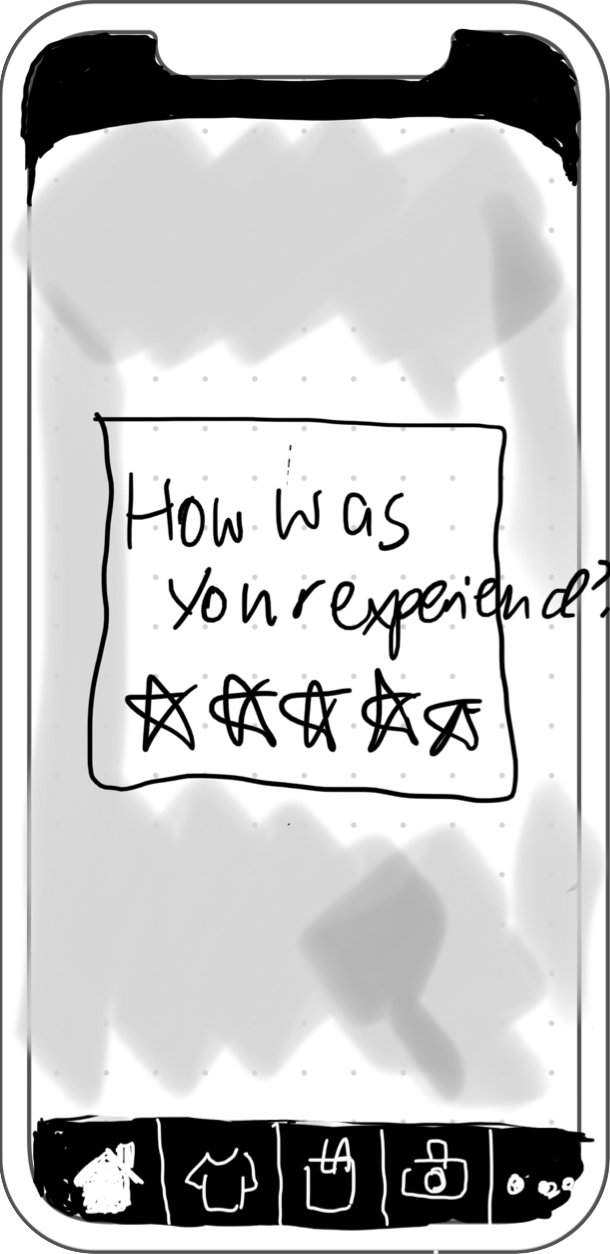
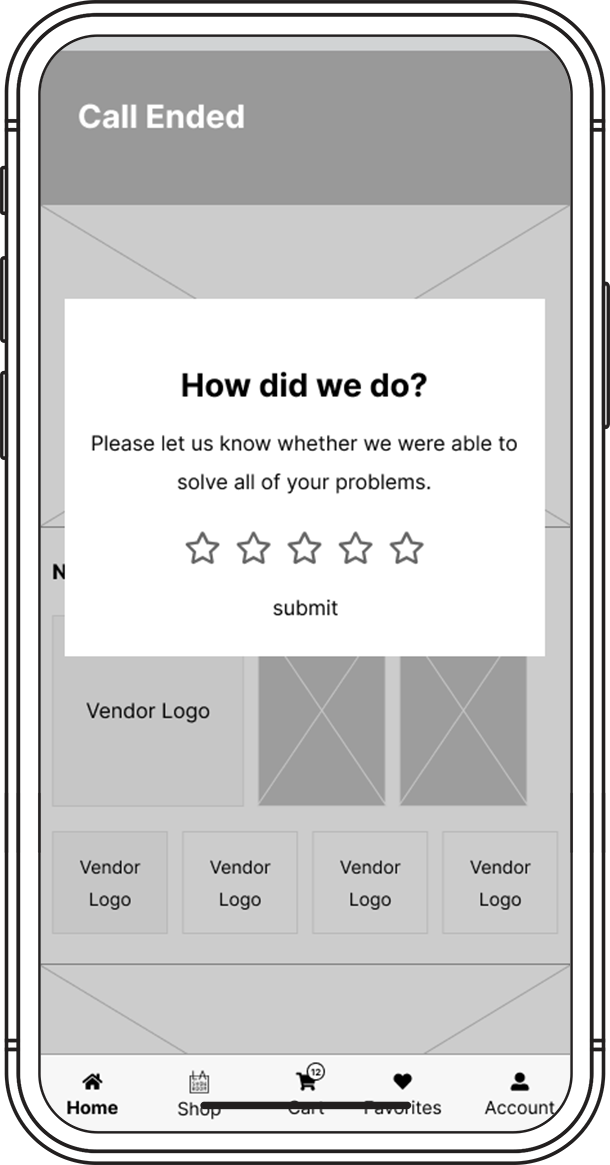
Feedback
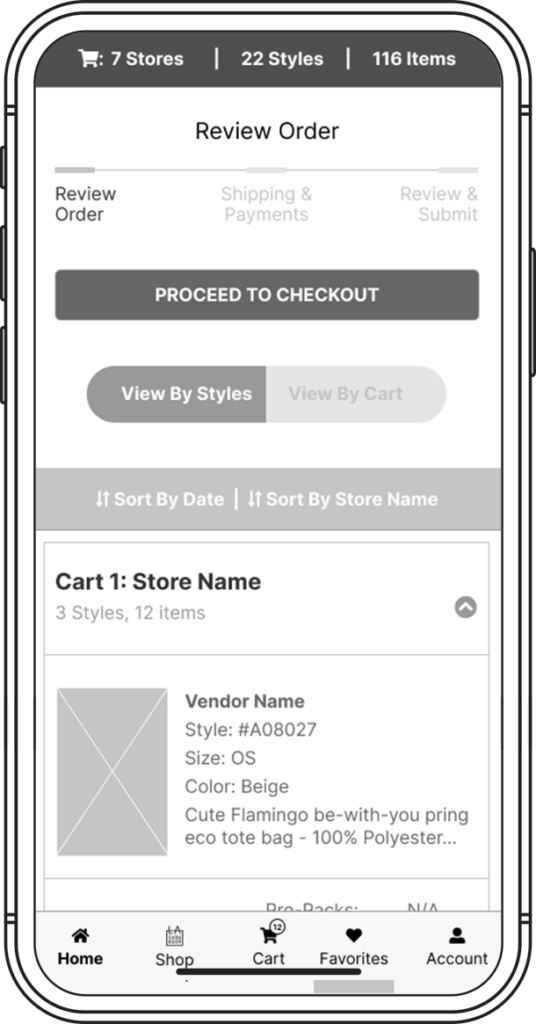
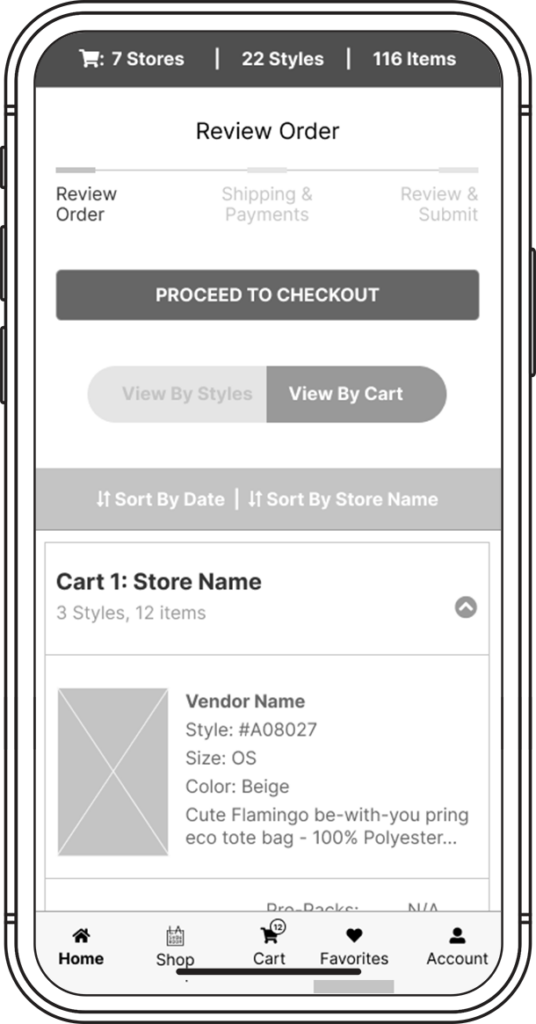
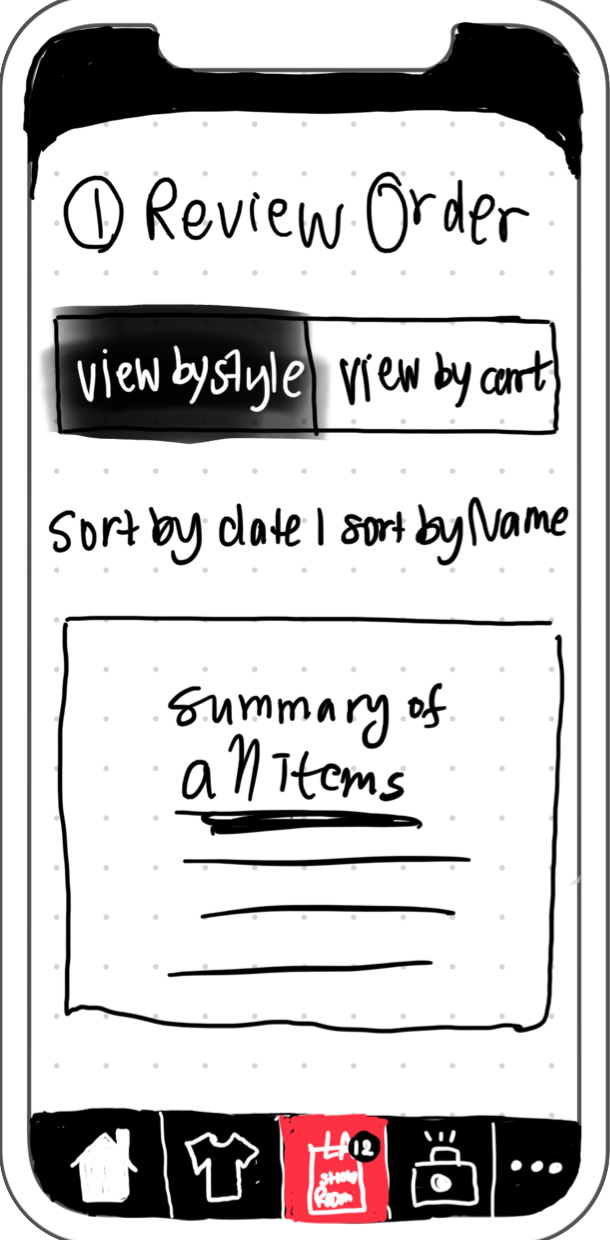
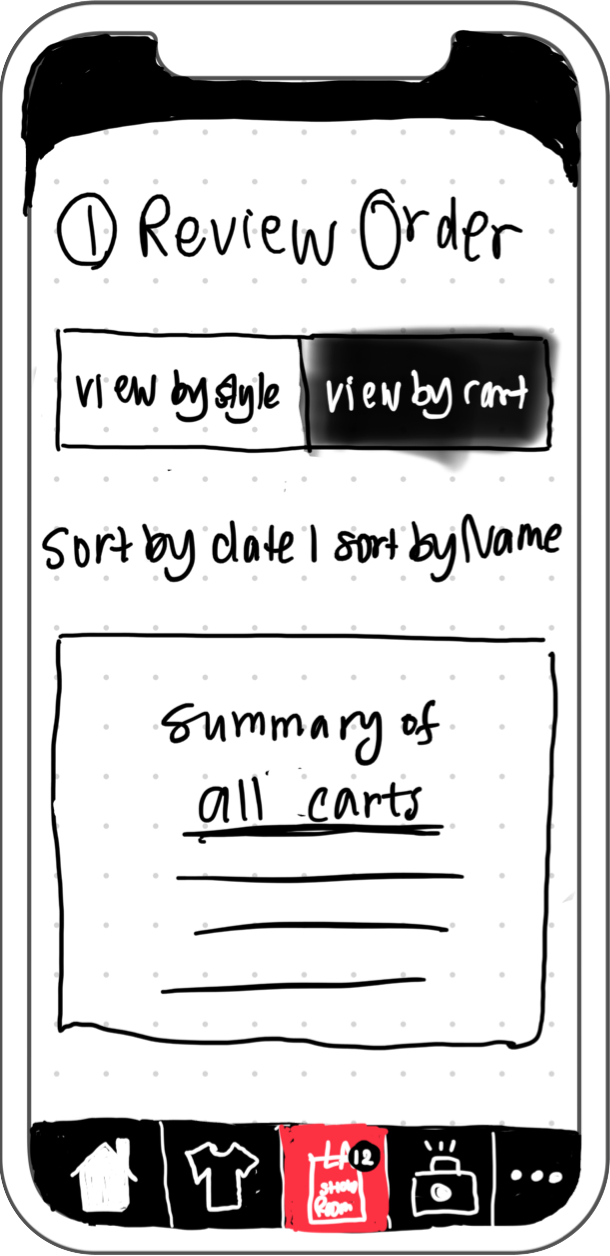
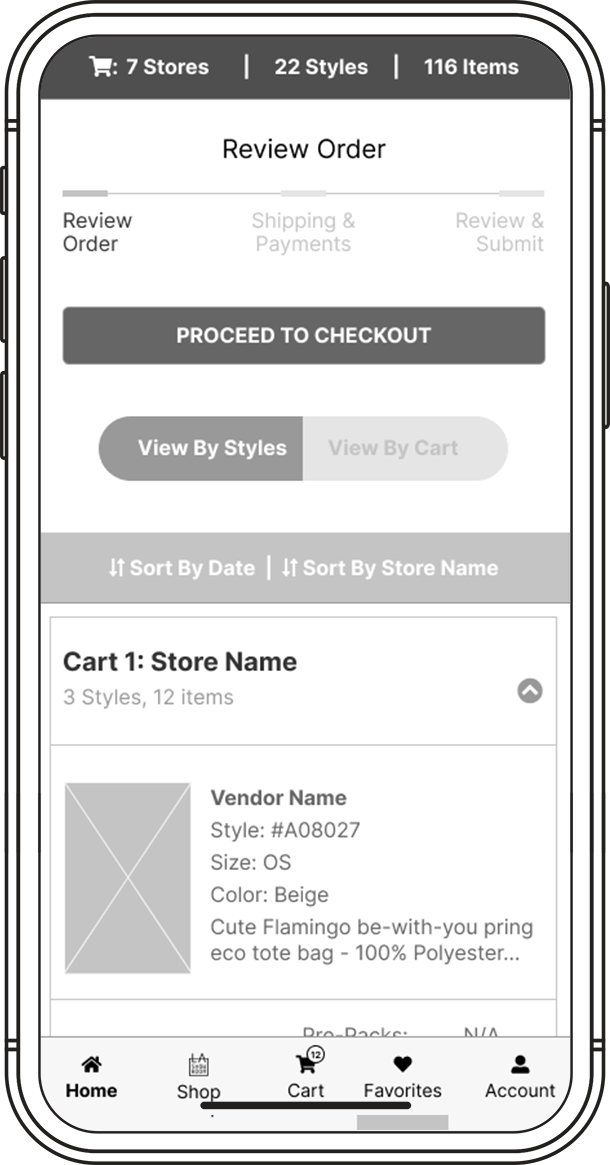
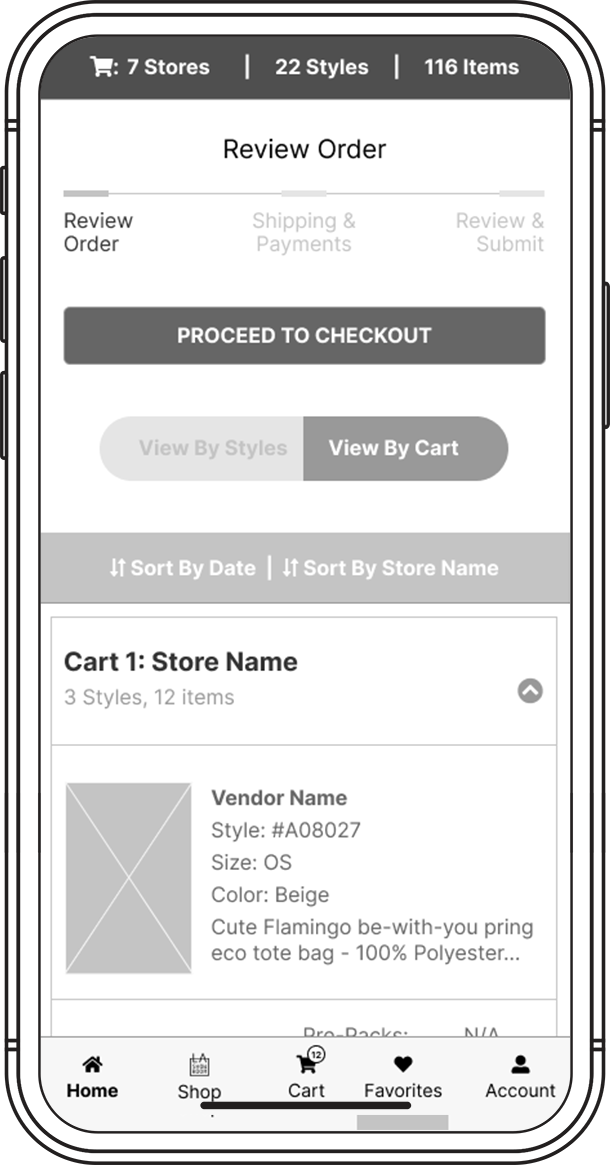
Toggle View to See by Style or Cart
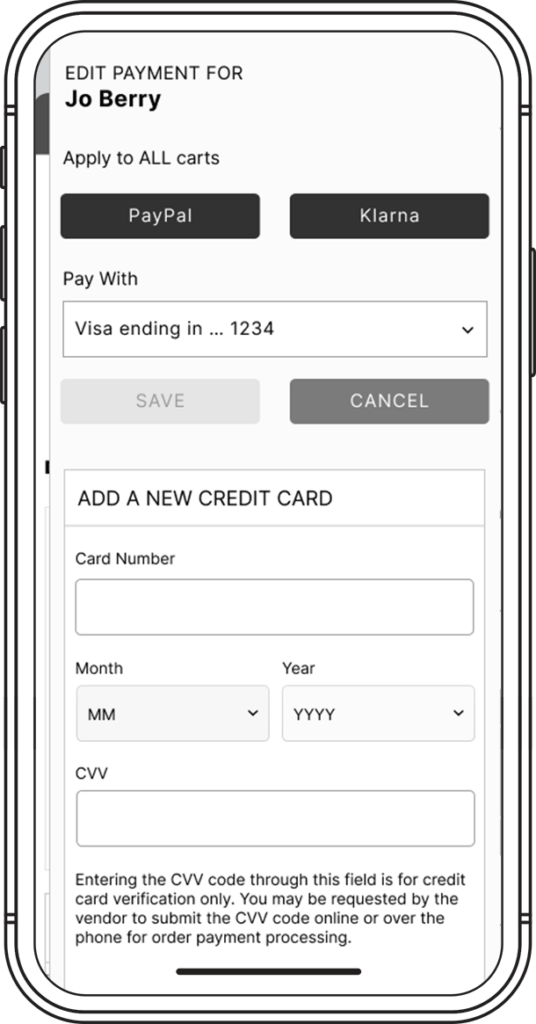
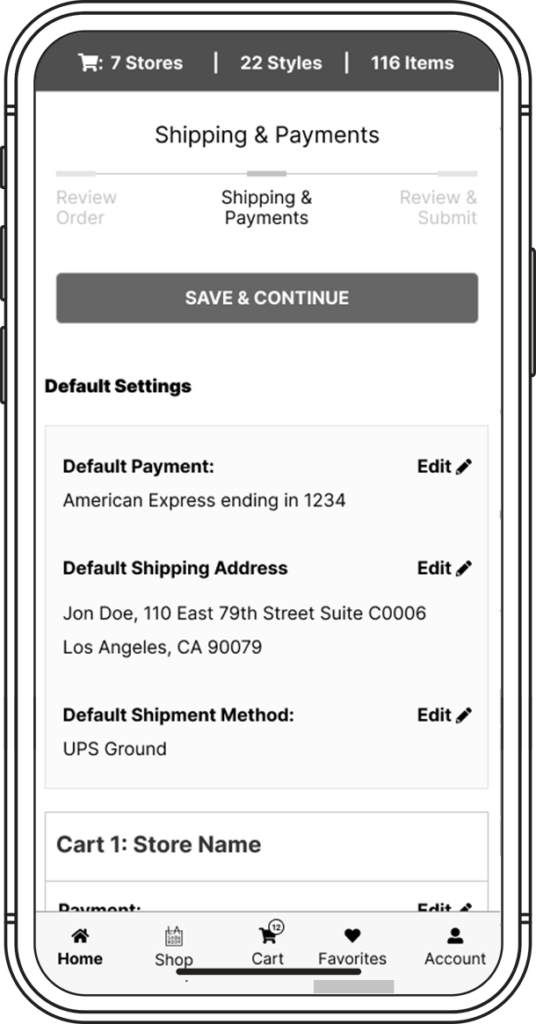
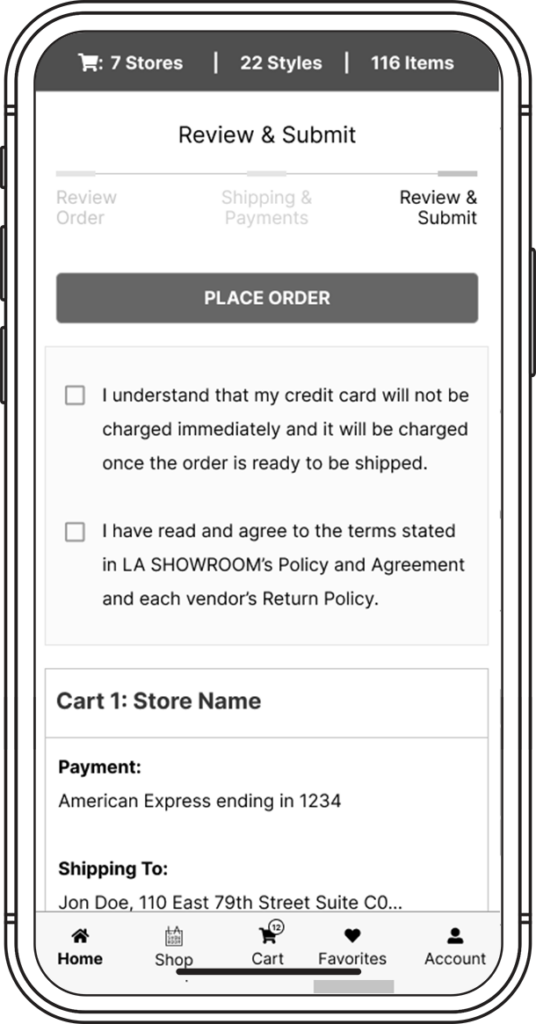
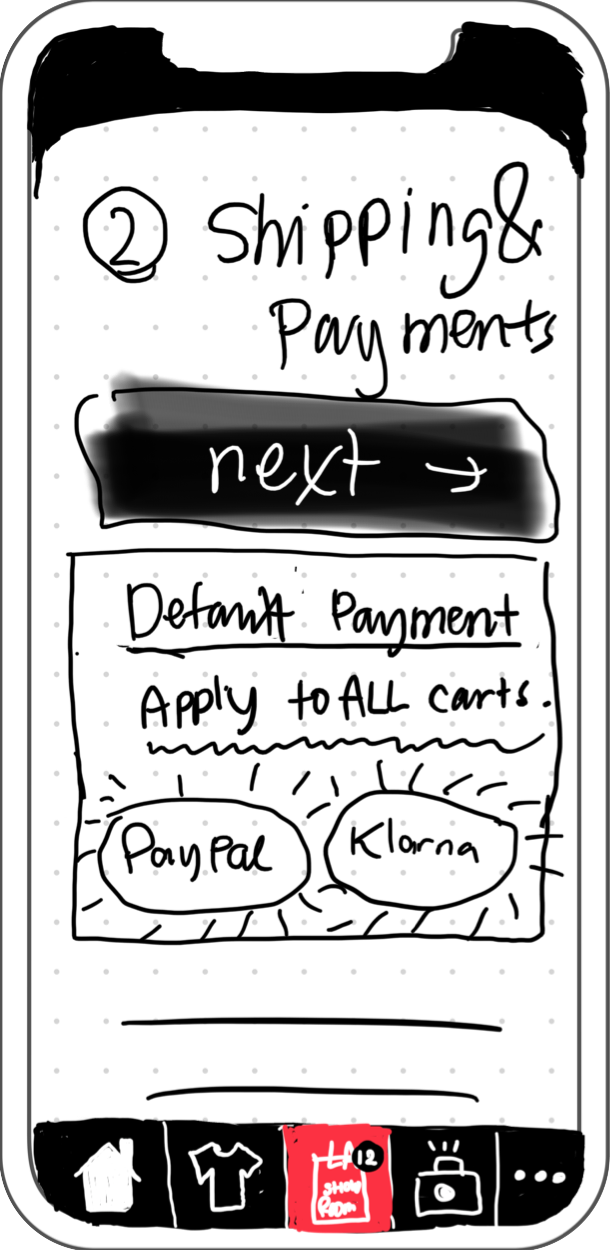
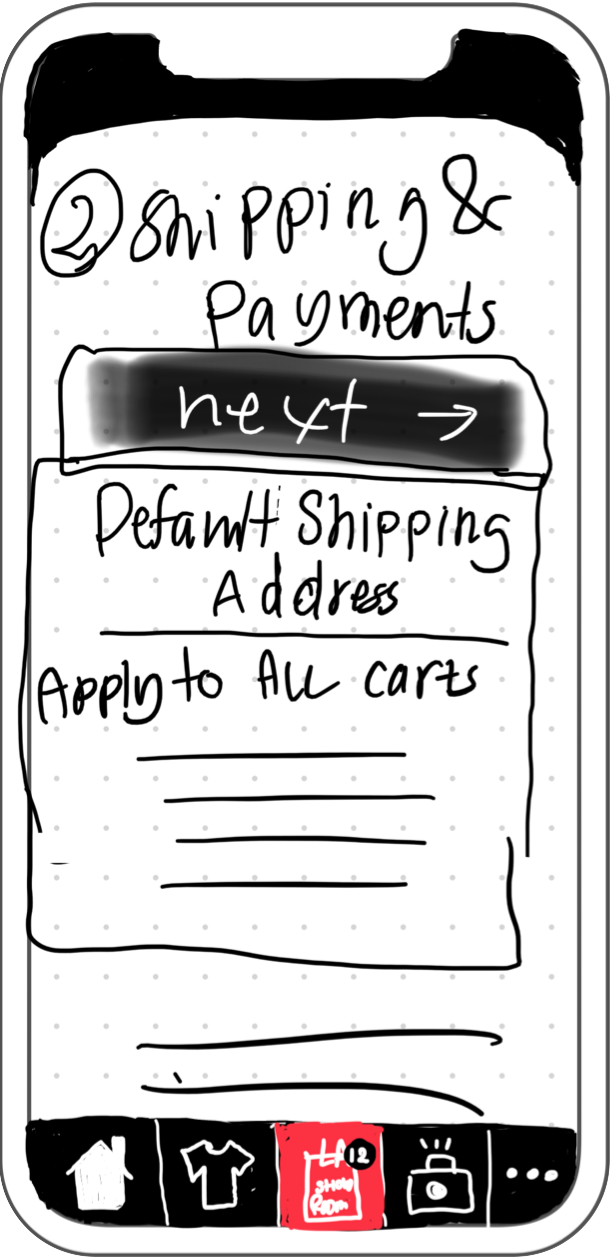
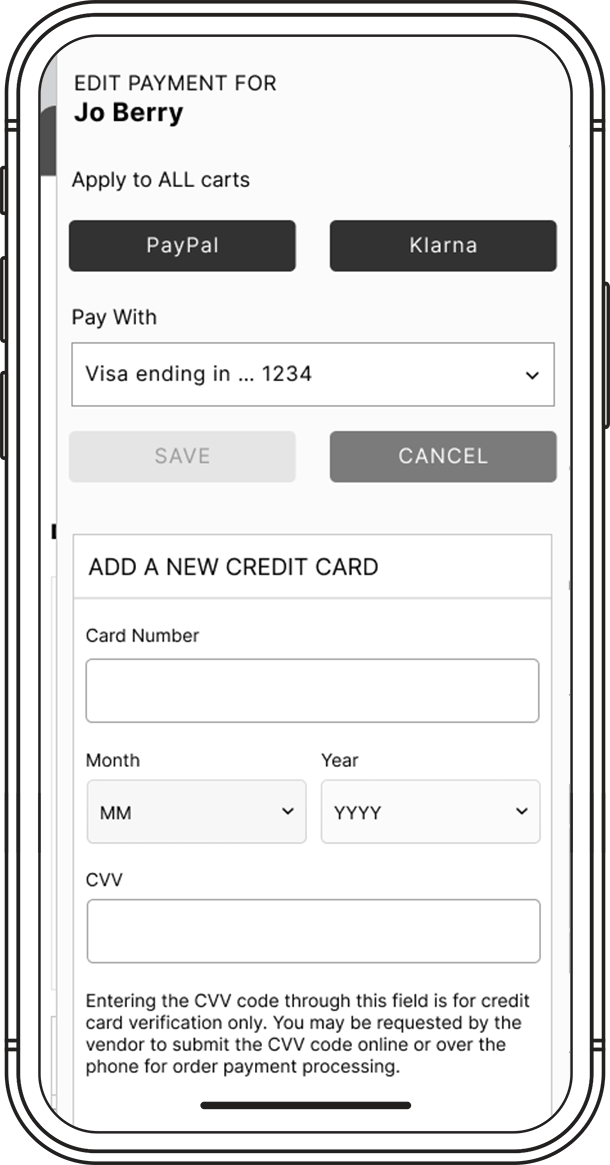
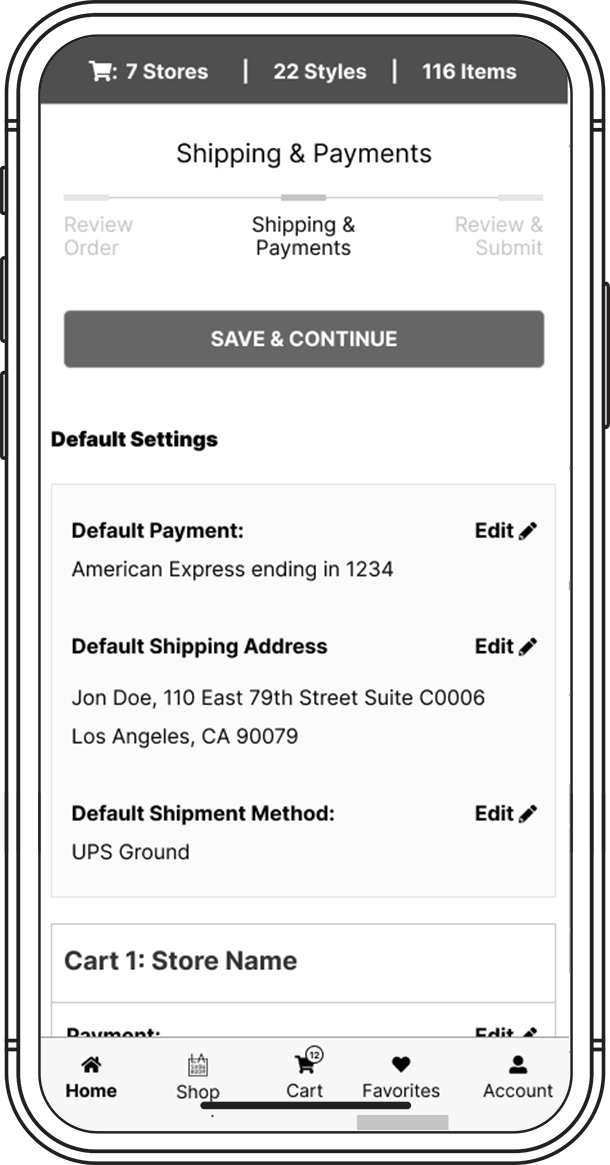
Add Centralized Payment to All Carts
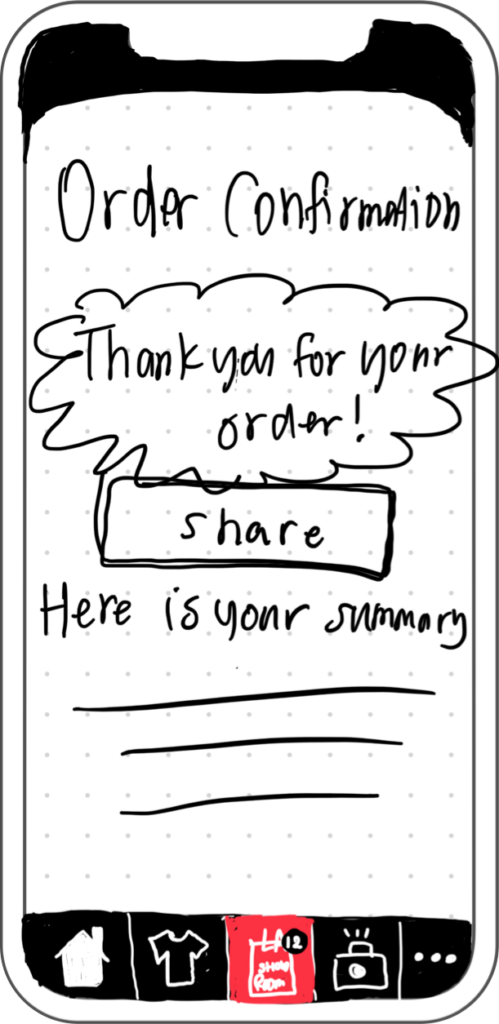
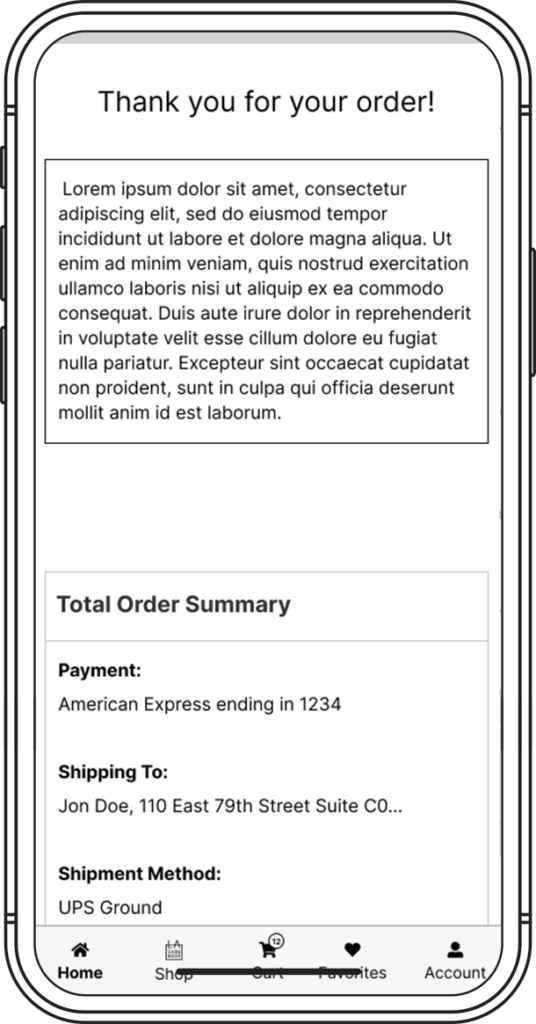
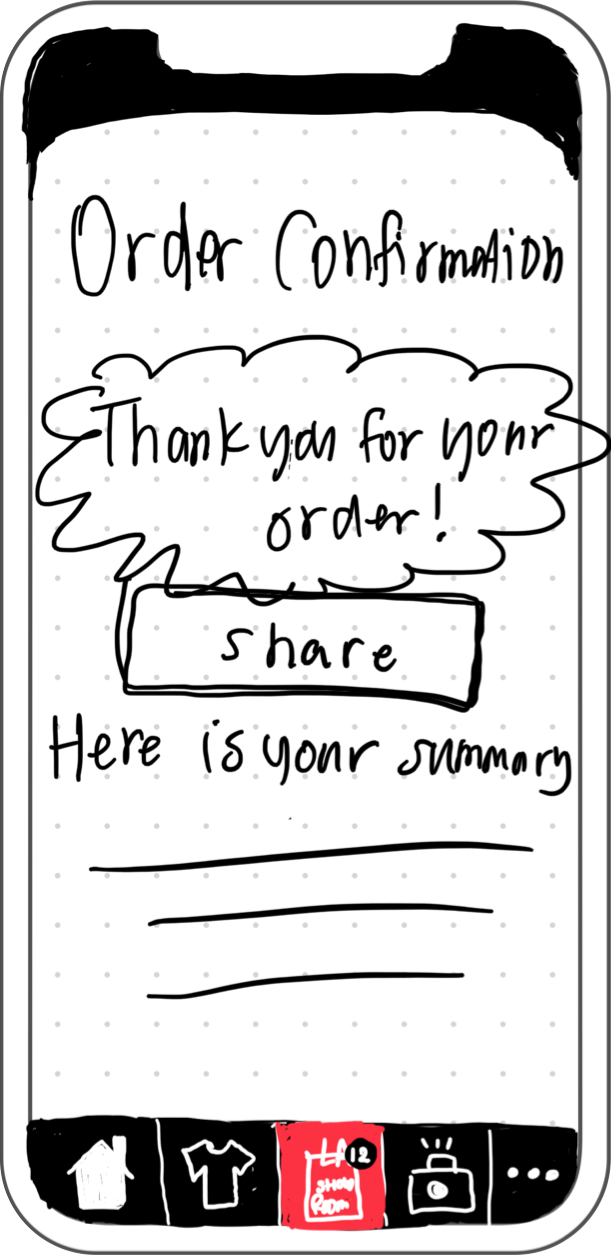
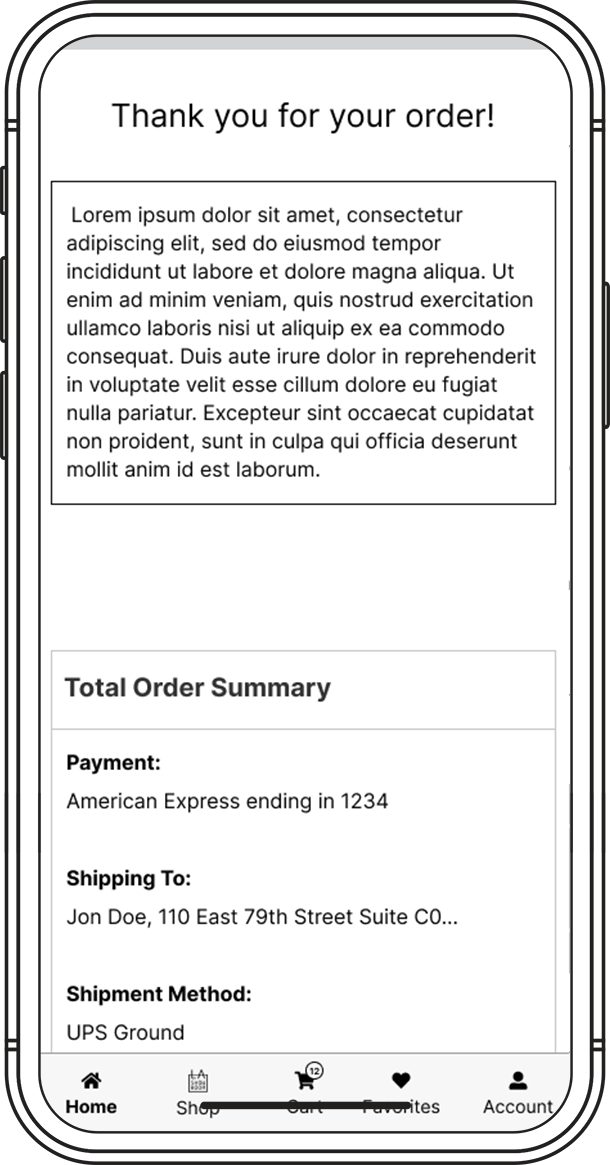
Confirmation
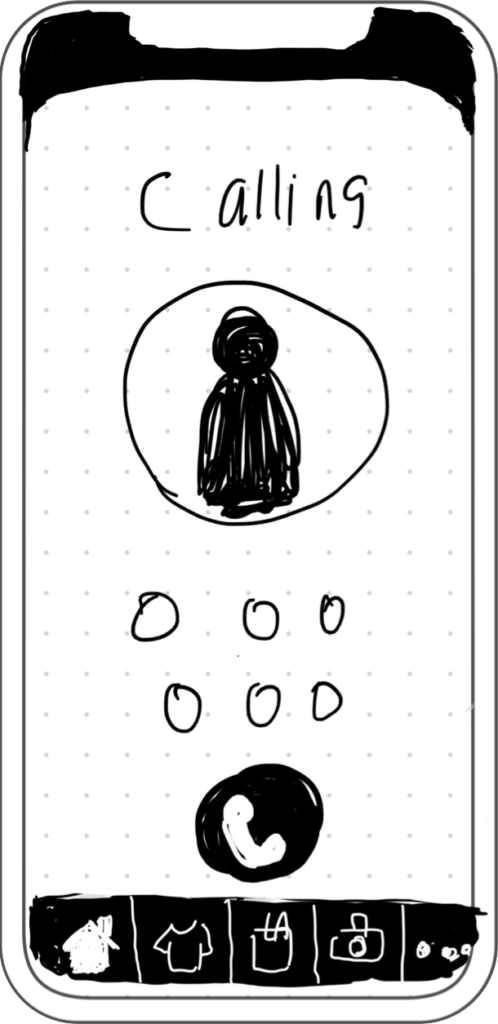
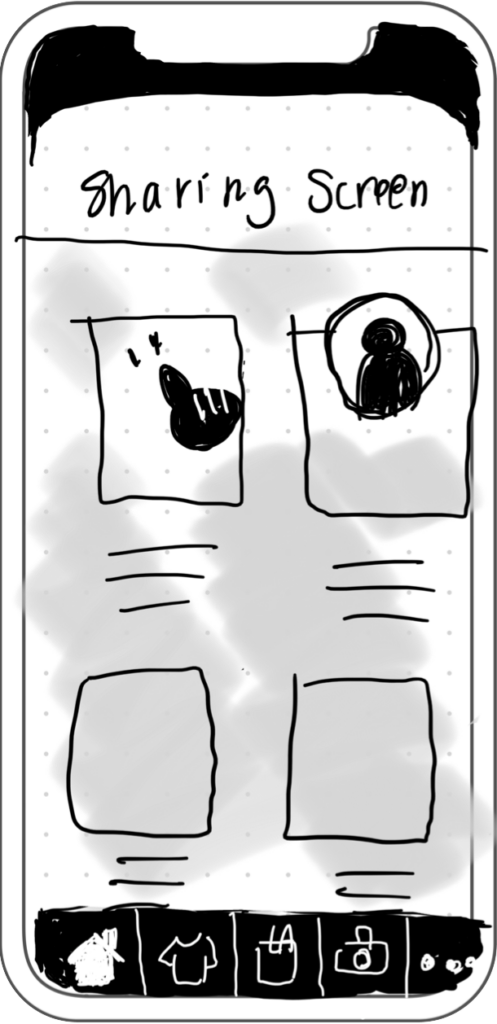
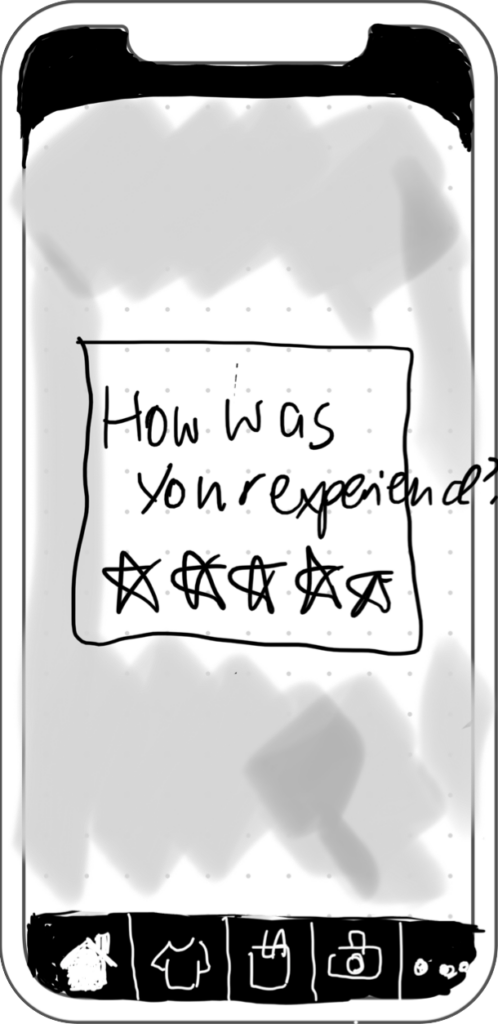
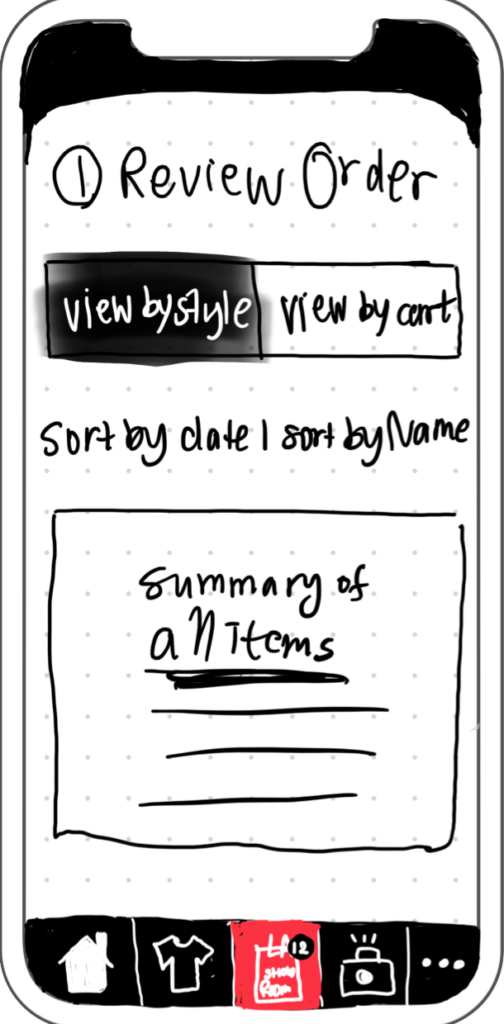
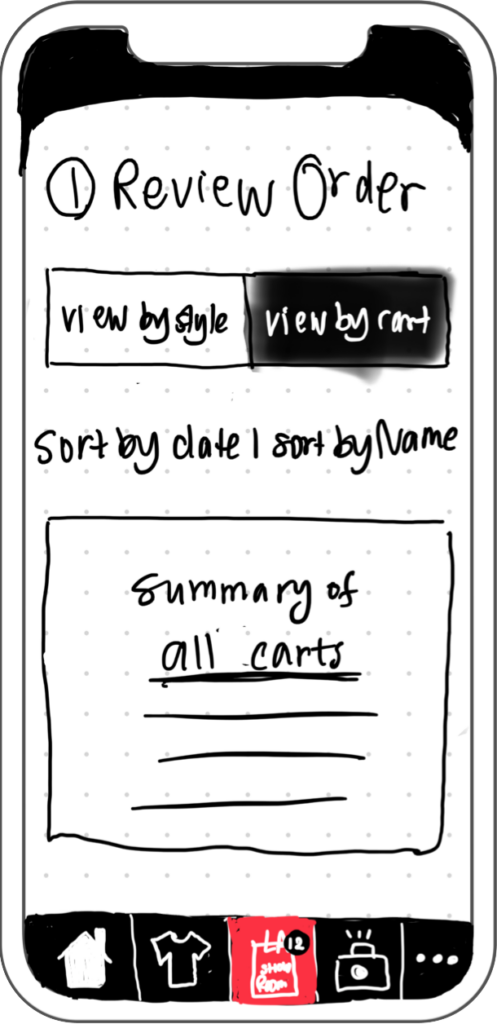
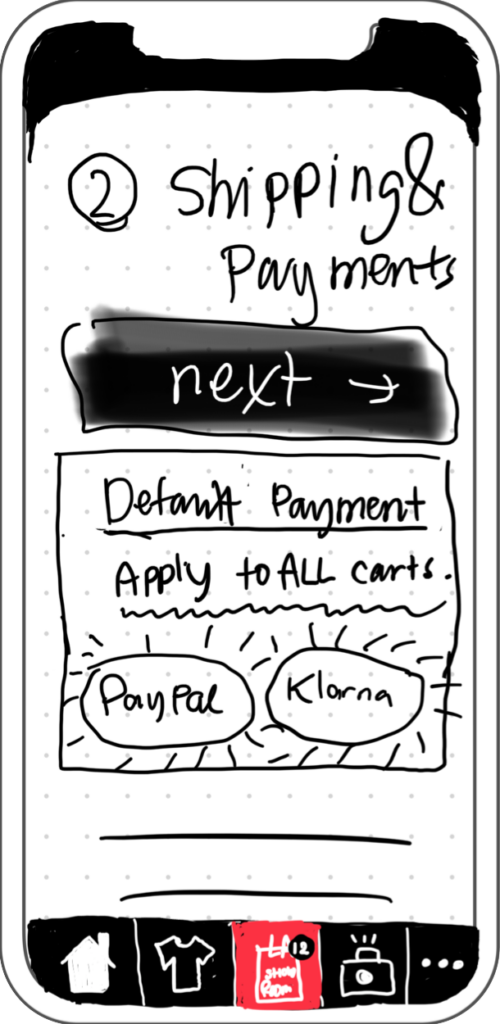
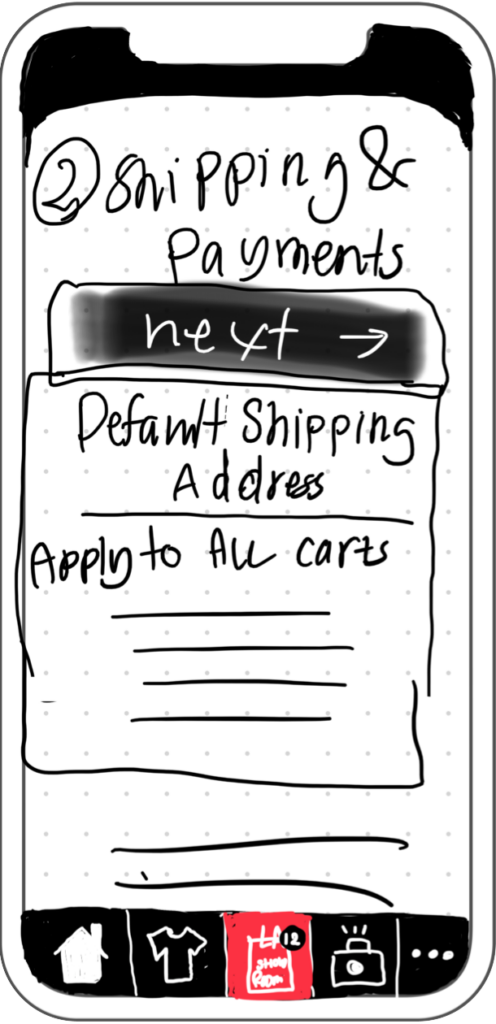
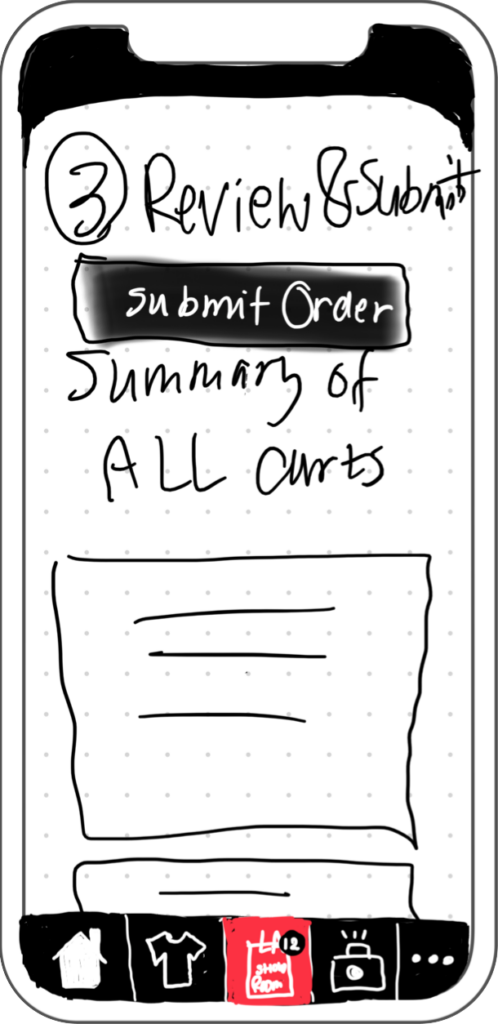
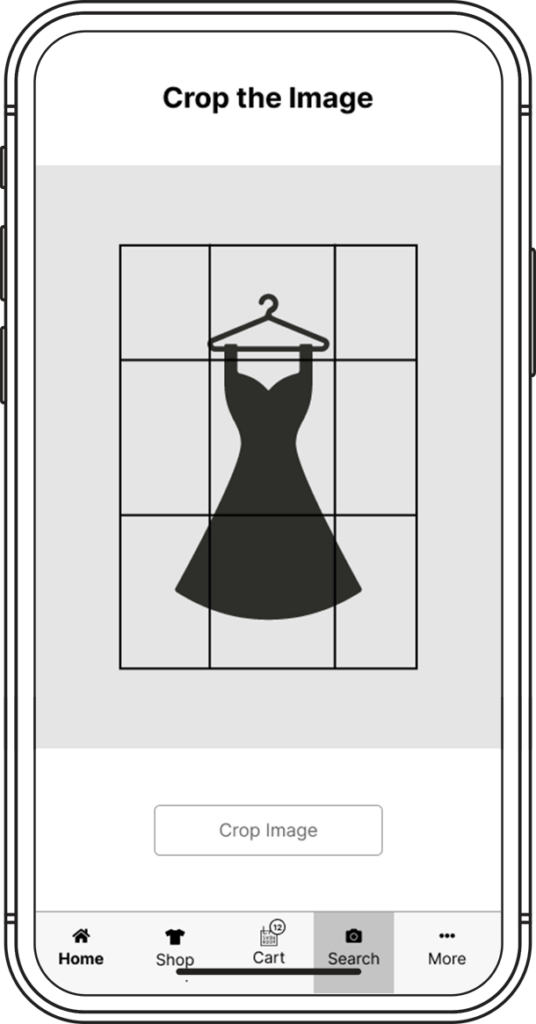
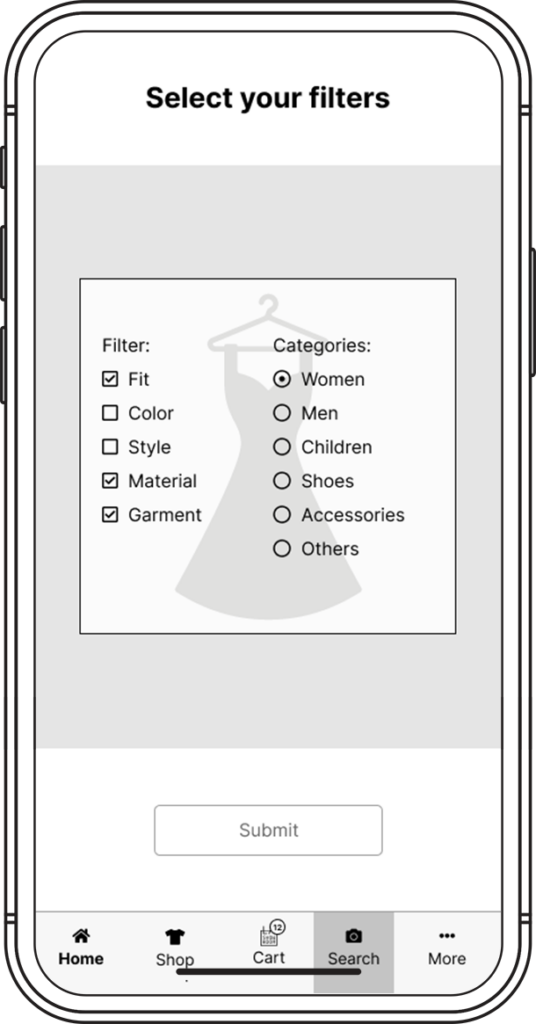
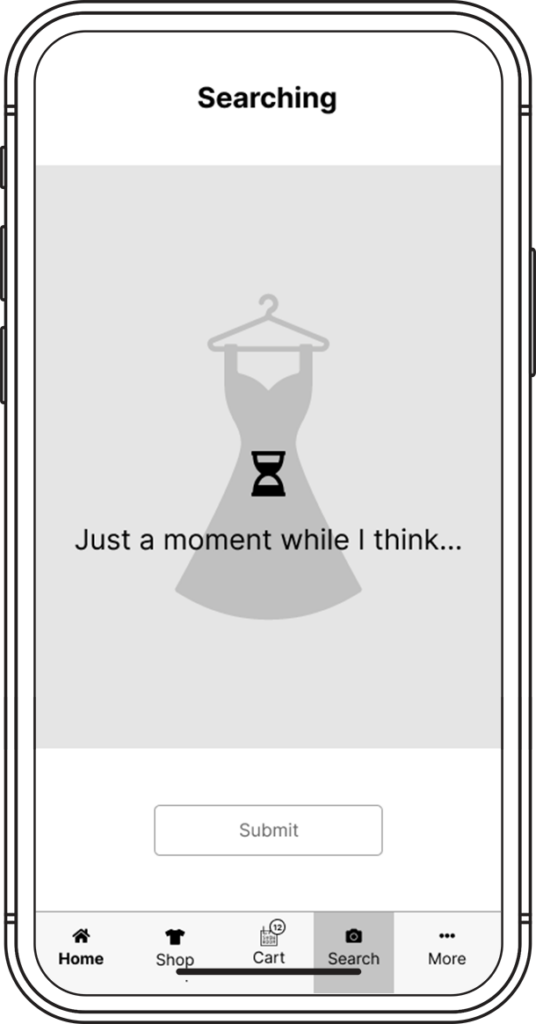
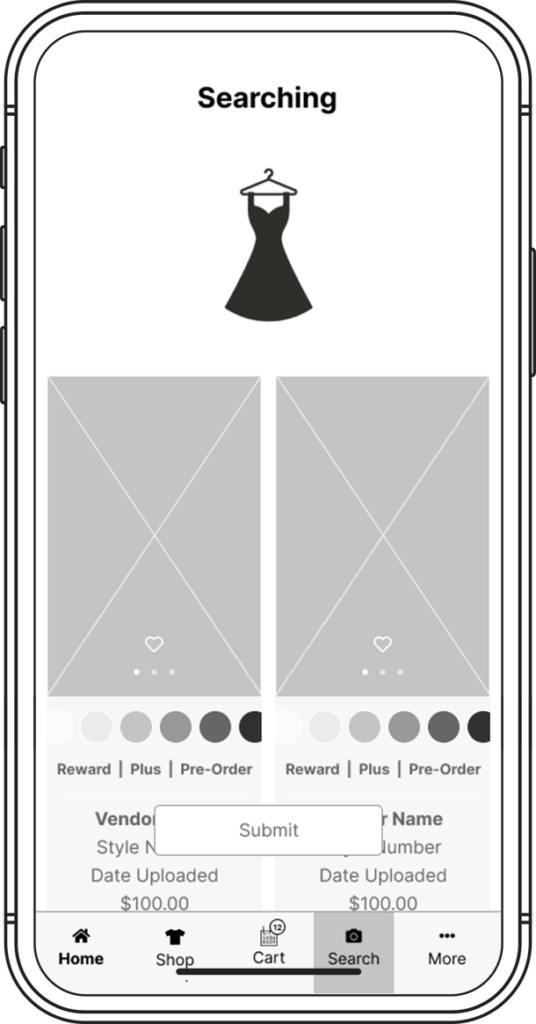
EXPLORATION
User Testing
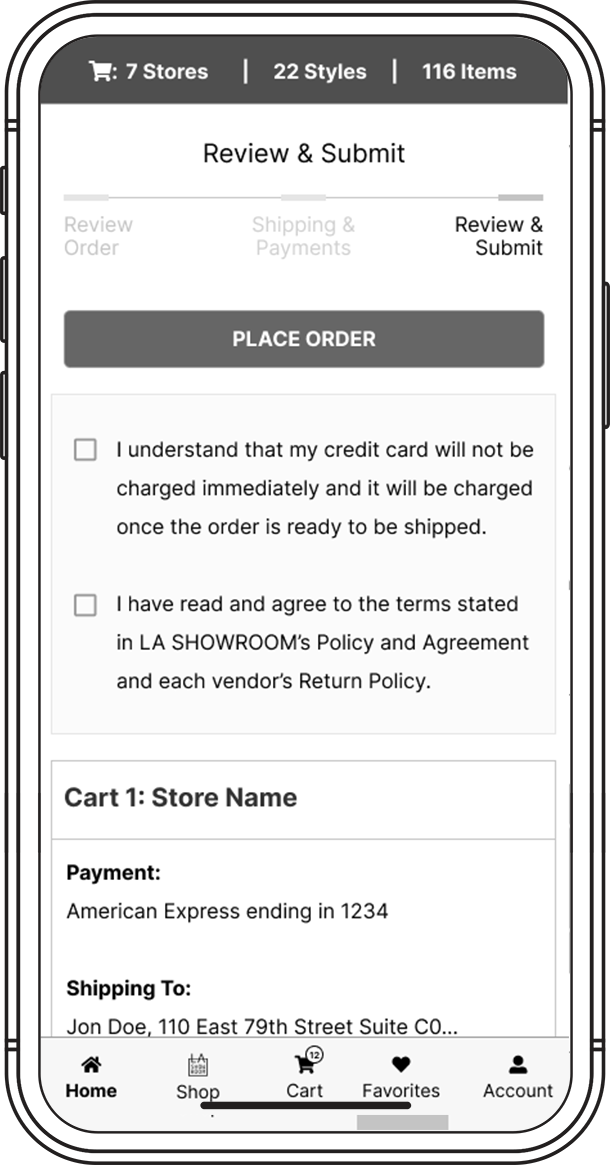
Checkout Pages
Skipping Steps
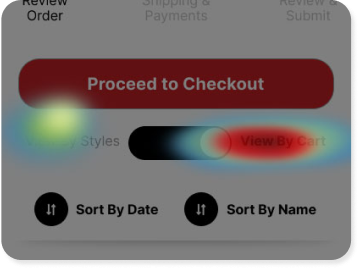
The shopping cart is the most time-consuming and draining part of this entire experience. It took me almost 30 minutes checking 85 items in my cart and I STILL found an error!
Search
Too many results
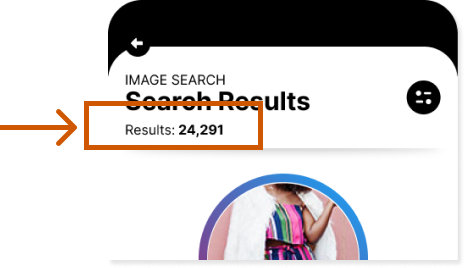
There are so many options appearing when I search, I feel like I could write in what I want to search and get the same number of results. Can we narrow them down at all?
Support
Unreachable Support
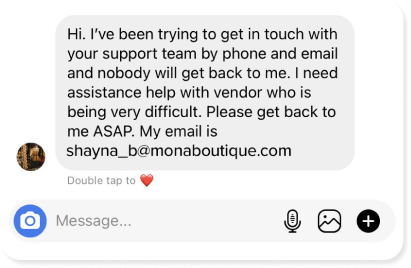
I called and was not able to get a hold of any staff, so after 5 minutes I hung up, and will try to call later, or contact them on social media in hopes for a more immediate response.”
Exploration
Iteration
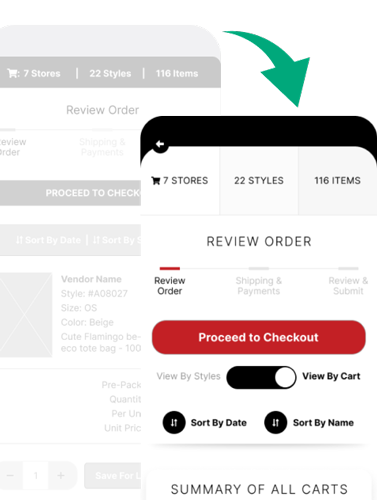
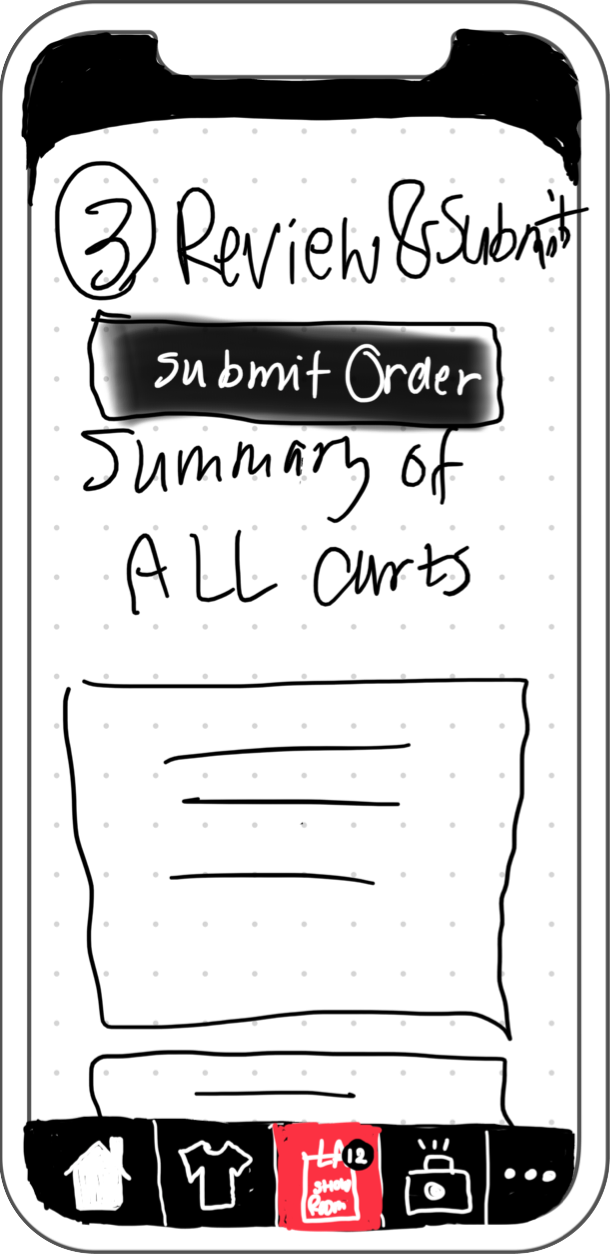
Added the Toggle Function to give users control of how they want to view their carts.
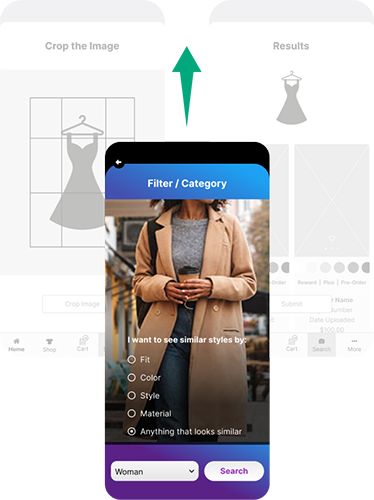
Added an extra Filtering function to reduce unwanted items.
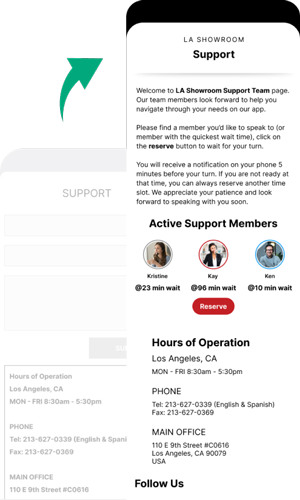
Created a small CS team dedicated to the chat and call system for the app. Allowed users to reserve a call-back.
UI Refinement
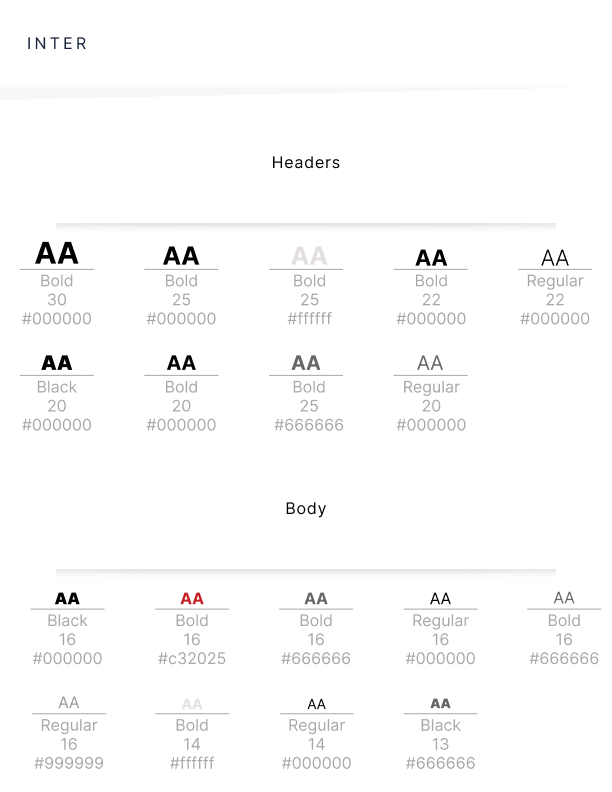
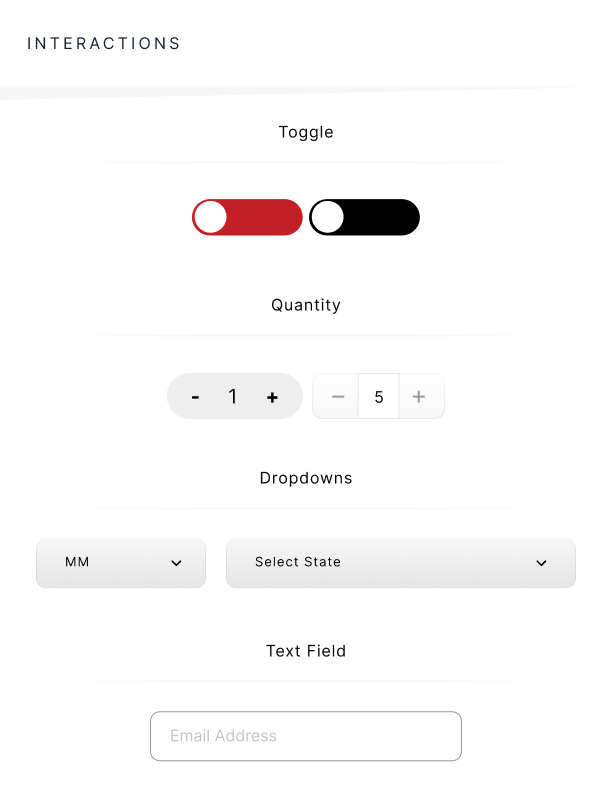
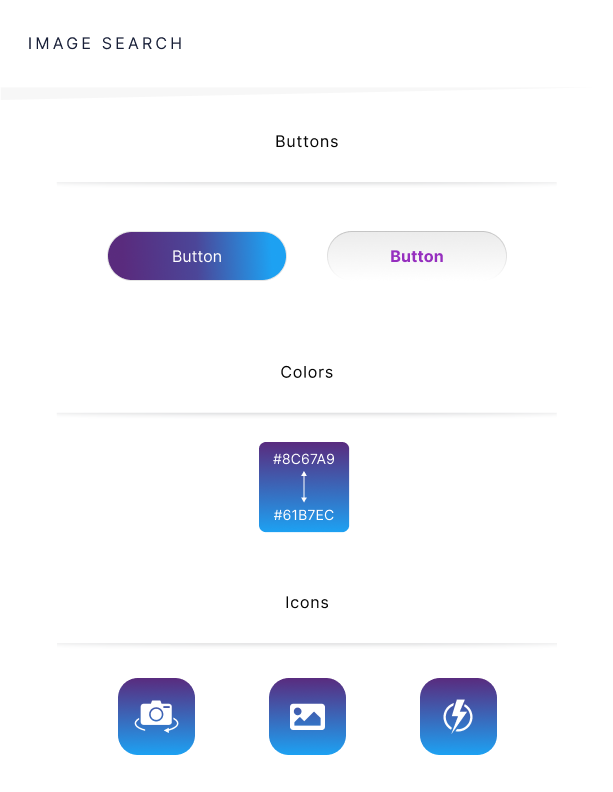
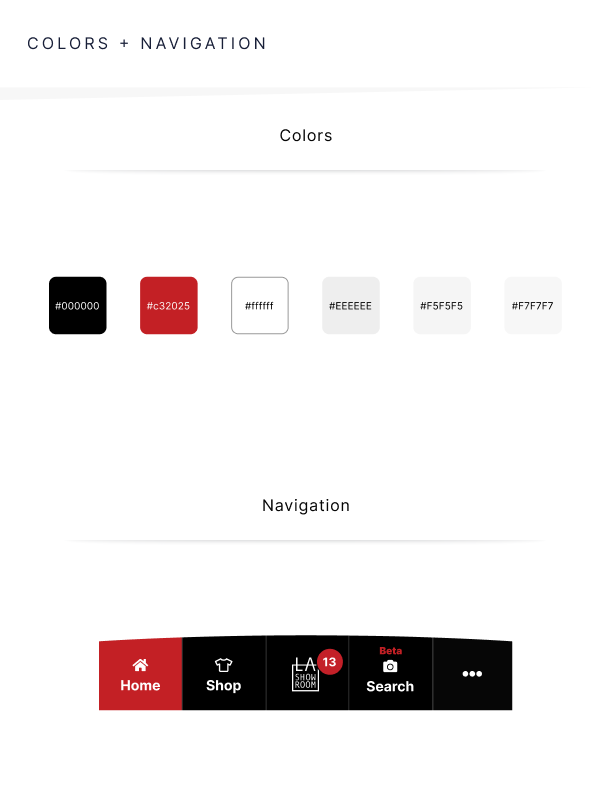
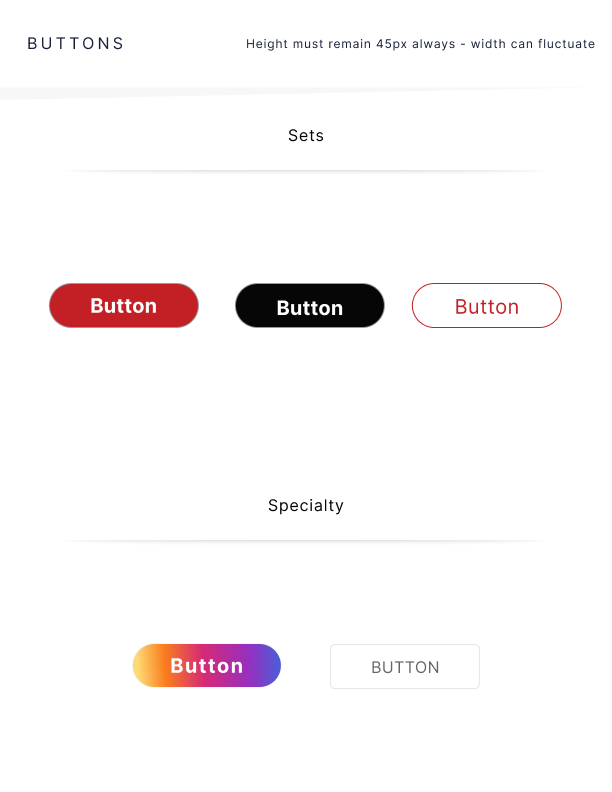
Design Components








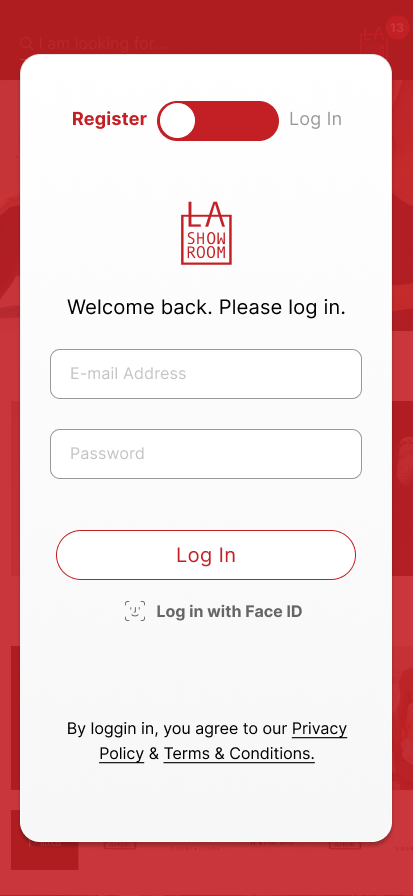
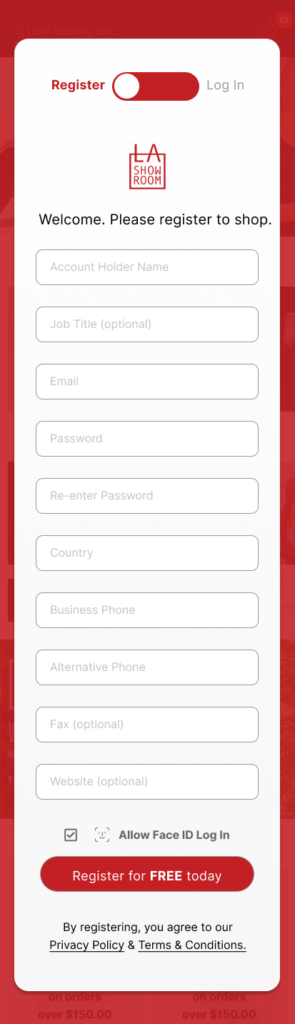



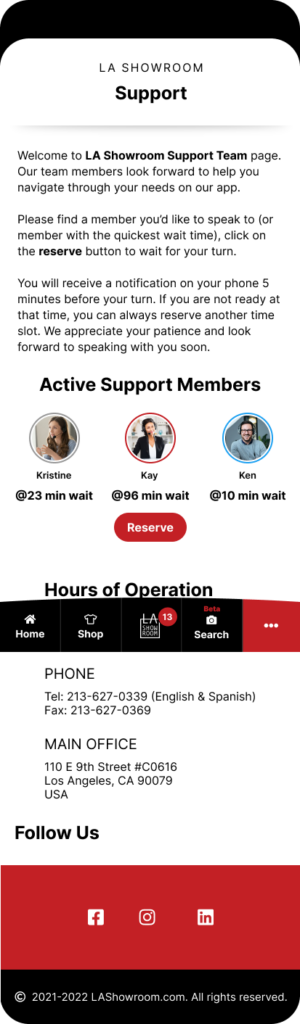
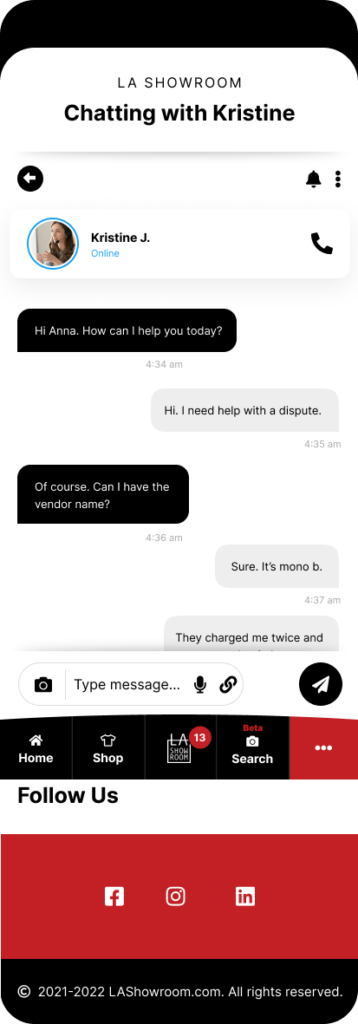











Development
Handoff
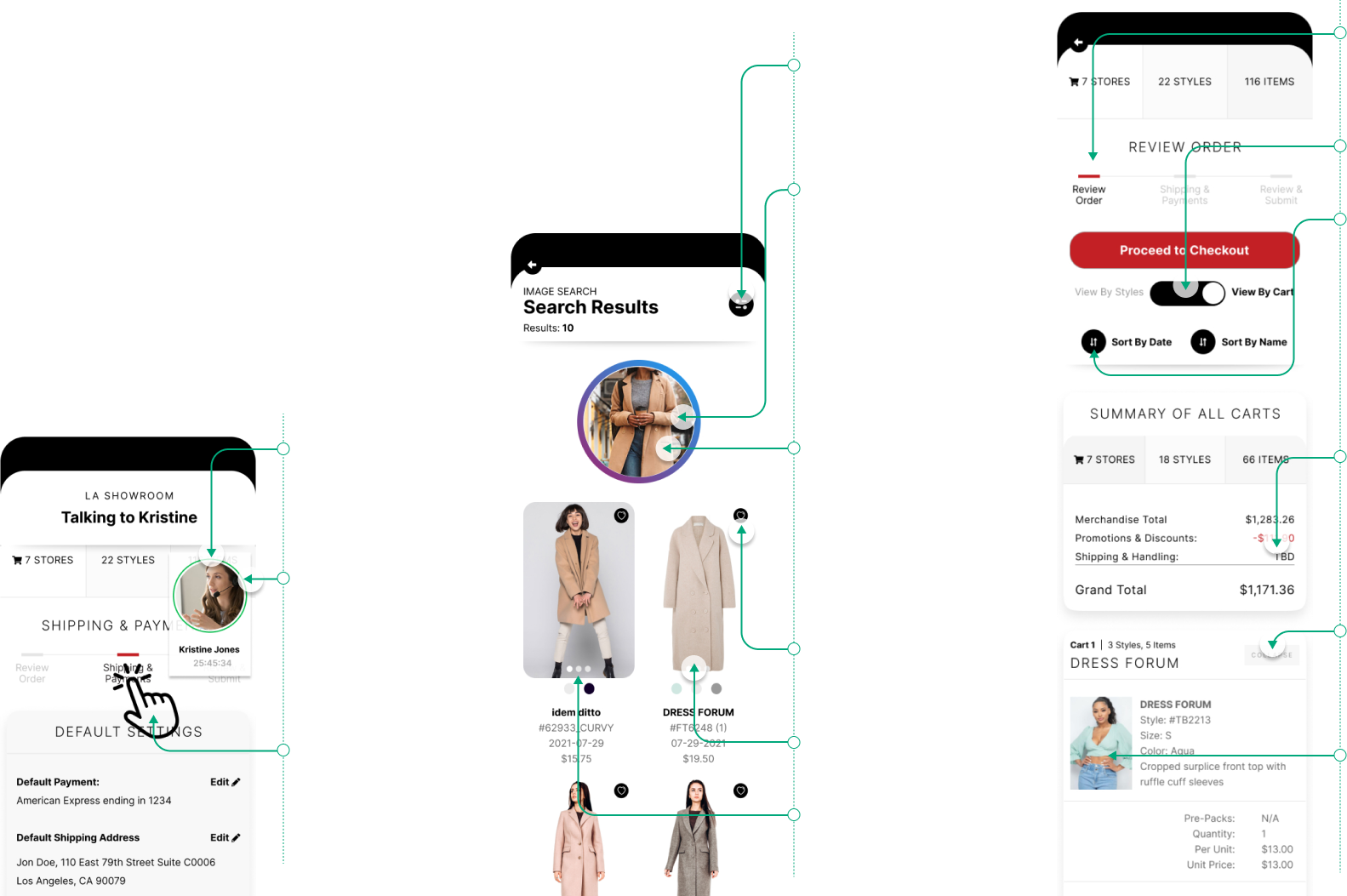
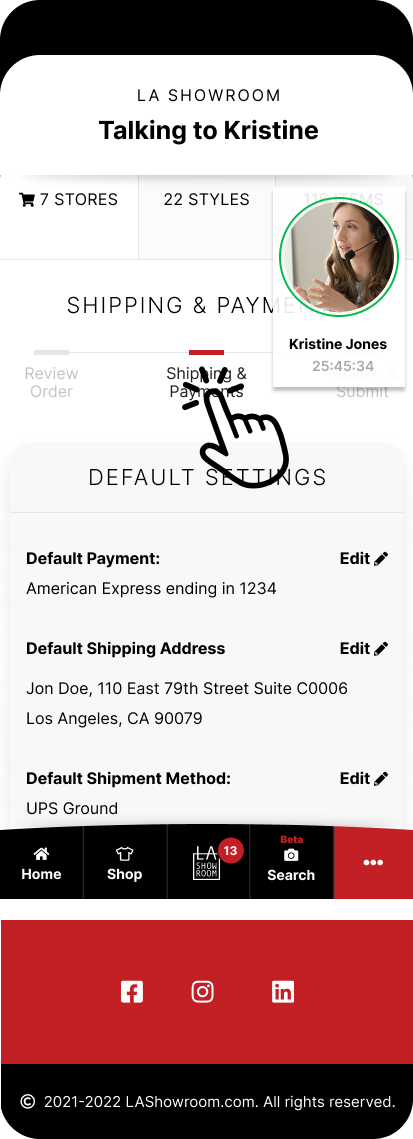
Screenshare avatar and call info moves to the top right corner
While connected Outline: #02BC49
Users can move through the app as needed while screensharing
Use the same filters on frame “Camera 3 Details”
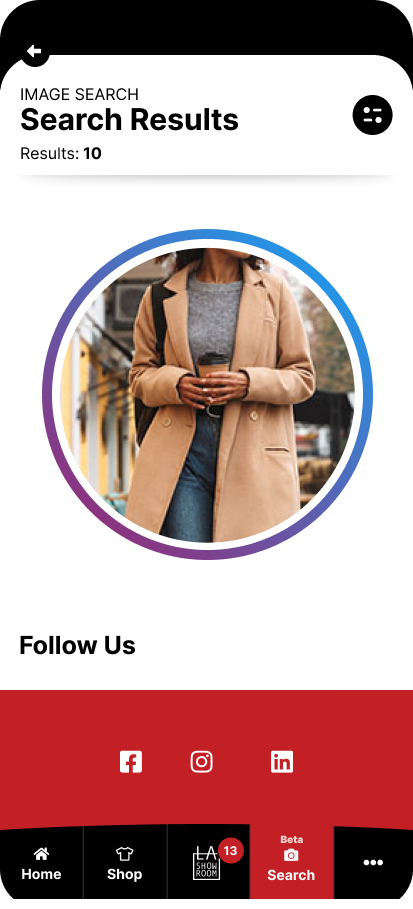
Ring Gradient: #8D317D to #2297EA 1px white space between image and ring. Please use attached GIF for rotation IMG
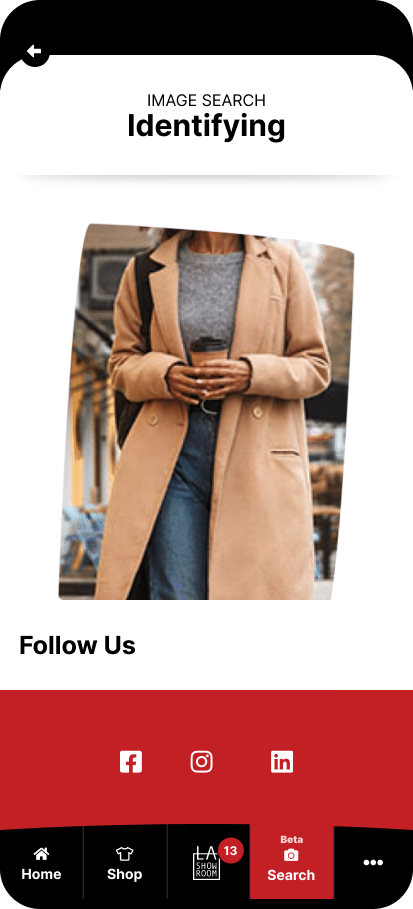
Thumbnail of the image that they searched. This image is not clickable or editable
Heart filled Color: #C32025
180 x 285 Thumbnail
Thumb’s are swipeable
Wizard clickable on visited pages
Make View by cart the default
Change the sort order by newest to oldest date or oldes to newest date depending on what it is on. default is newest to oldest
Shipping and handling will be calculated by the vendor after the order is placed
Collapse button will close the cart – only show this title area
Products for each store show in the order they were added- newest to oldest